Student Information System for Schools: Why SIS Matters in 2026
This blog argues that a modern Student Information System (SIS) is mission-critical for schools in 2026, serving as a central, cloud-based hub that streamlines admissions, attendance, grading, scheduling, billing and integrations. It explains how an SIS supports hybrid learning, data-driven decisions, compliance, operational efficiency and parent engagement, and lists essential features such as records management, analytics, security and APIs. The post gives practical guidance for selecting and implementing an SIS—define must-haves, involve stakeholders, plan migration, test UX, train power users and measure ROI—notes common pitfalls, highlights trends, and positions Schezy as a practical solution.
If you run a school or help run one, you already know how many moving parts there are. From admissions and attendance to assessments and fees, the paperwork piles up fast. A Student Information System for schools like Schezy acts as the backbone that keeps all those parts connected and running smoothly. In 2026, a modern SIS like Schezy is no longer a luxury it’s mission-critical.
Working with IT teams and school administrators tells me the same thing: employees find comfort when the proper school SIS program is in use. Teachers spend less time on paperwork. Parents get their information in good time. Data that helps with wise decision-making is available to leaders. On the other side, without or with poor school SIS software, there are obstacles and mounting annoyance.
What do we mean by Student Information System?
The software that controls administrative tasks and student records is called a Student Information System, or SIS. Consider admissions, registrations, attendance, marks, scheduling, costs, medical records, and contacts. Some districts refer to it as an education ERP system or a student data management system. Regardless of the name, the goal is to have one central source of student information that is accurate.
In essence, an SIS could be an independent program or a component of a larger school administration system. Being cloud-based and integrating with finance software, assessment tools, and learning management systems, current platforms are finance software, assessment tools. That integration is what transforms separate apps into a working school ecosystem.
Why SIS matters in 2026: the big picture
Compared to five years ago, schools are more challenging now. Hybrid teaching, individualized learning technologies, stricter privacy rules, and increased expectations for data-driven decisions all introduce new requirements. A good SIS makes it easy for schools to manage all of this without straining themselves.
- Hybrid and blended learning needs. We're still juggling in-person and online learning. A school SIS software that syncs with your LMS and attendance system keeps student schedules and participation records accurate across both worlds.
- Decisions based on data. Leaders seek practical knowledge, not spreadsheets. Built-in school data analytics in an SIS enable you to see trends, find kids who are at risk, and evaluate the effect of programs. Privacy and compliance.
- Compliance and privacy. Regulations around student data continue to tighten. A reliable SIS supports compliant student records management and helps you produce audit trails when regulators come calling.
- Operational efficiency. You can automate tasks that used to eat days of staff time. That saves money and reduces errors from manual processes.
- Parent and student expectations. Families want mobile access, timely notifications, and easy payment options. A modern SIS delivers those conveniences.
In conclusion, SIS systems will be essential for the digital transformation of schools in 2026. They enable strategic objectives reachable and simplify daily operations.
Key SIS platform features schools should expect
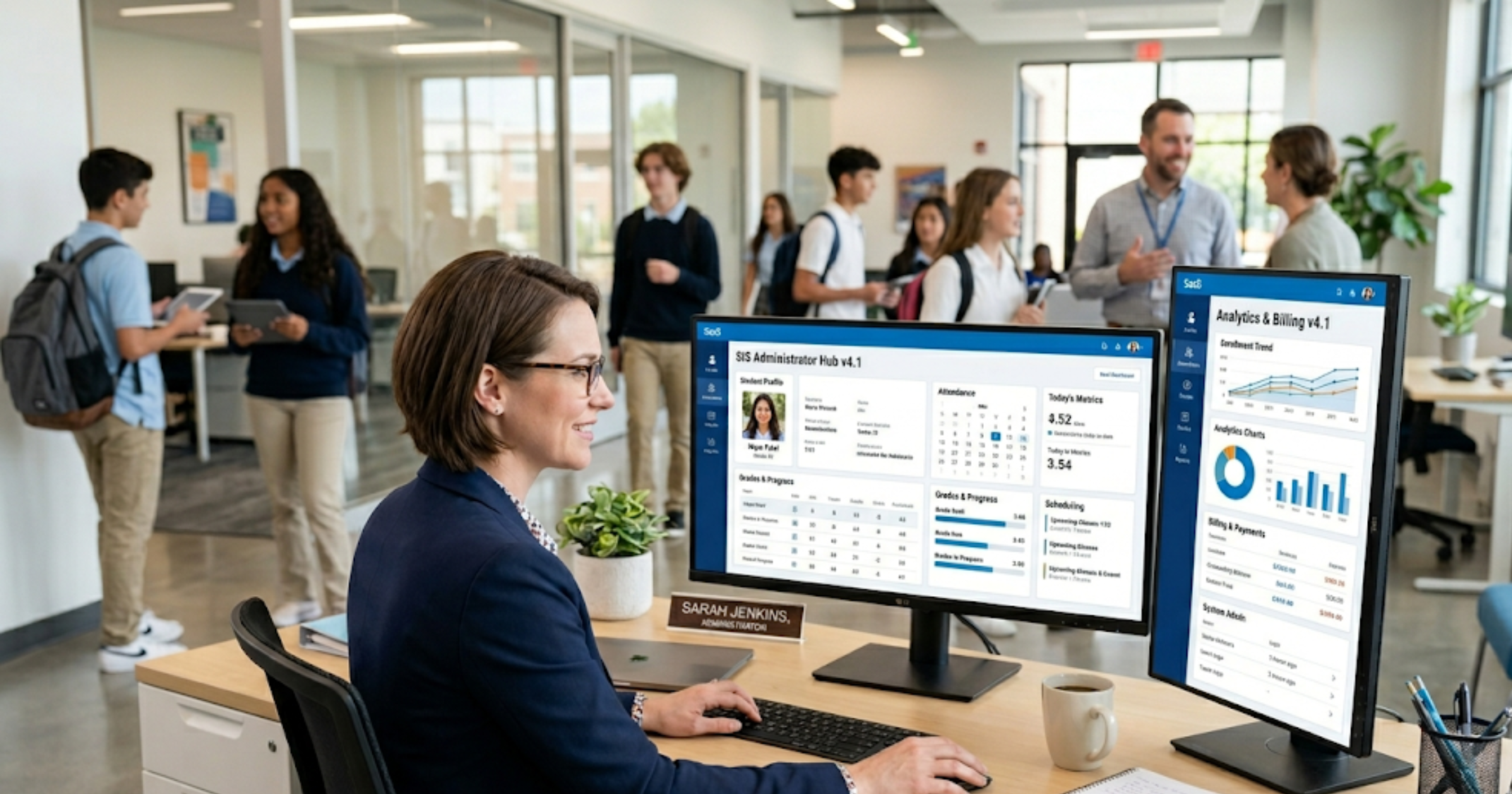
Not all SIS platforms are created equal. Here are the features I’ve seen make the biggest difference in real schools.
- Student records management. Core details, transcripts, health records, and custom fields. This is the heart of your system.
- Admissions and enrollment. Online applications, workflows, waitlists, and batch enrollment tools speed up intake.
- Attendance and behavior tracking. Real-time attendance, tardiness flags, and behavior logs help teachers and counselors act fast.
- Scheduling and timetabling. Automated schedules that consider teacher loads, room availability, and course prerequisites.
- Grading and assessments. Grade books, standards-based grading, report card generation, and assessment imports.
- Billing and finance. Tuition management, invoicing, payment processing, and financial reporting.
- Parent and student portals. Mobile-friendly access to schedules, grades, fees, and messages.
- Integrations and APIs. Connect to your LMS, library system, finance software, identity provider, and state reporting tools.
- School data analytics. Dashboards for attendance, grades, enrollment trends, and custom reports.
- Security and compliance. Role-based access, audit logs, encryption, and GDPR/FERPA support.
- Custom workflows and automation. Trigger-based notifications, task assignments, and multi-step approvals.
These SIS platform capabilities are necessary for a school hoping to be future-ready and effective. If your wishlist finishes before integrations and analytics, you will probably require add-ons soon after go-live.
SIS benefits for schools: more than convenience
Let’s move past the obvious. Yes, an SIS saves time. But it delivers deeper value that school leaders often underestimate.
- Improved results for students. Personalized help is made possible when teachers have one location view attendance patterns, evaluation gaps, and intervention history. When you're trying to increase performance throughout, this counts.
- Better compliance. Regulations change. A good SIS keeps records organized and auditable so you’re not scrambling when audits arrive.
- Reduced operational cost. Automation shrinks manual work. Over time, fewer staff hours go to repetitive admin tasks and more go to strategy and teaching.
- Higher parent satisfaction. Parents get real-time updates and easy payments. That improves trust and reduces calls to the front office.
- Improved staff morale. Teachers hate duplicate entry and chasing paperwork. Give them a smooth system and you’ll see less burnout.
In my experience, those ripple effects are what turn an SIS from a software purchase into a strategic investment.
How to evaluate and pick the right SIS for your school
Choosing a system for managing student data appears like a significant project. That is so since it is. I have worked with groups that rushed this and lament it. This is a practical approach that keeps the procedure grounded.
- Define your must-haves. Start with a simple list: enrollment, attendance, gradebook, parent portal, billing, integrations. Rank them by impact and difficulty without the system.
- Talk to stakeholders. Teachers, registrars, finance staff, IT, and parents — get their input. Small schools often forget non-teaching staff; don’t make that mistake.
- Consider scalability. Are you growing? Will you add campuses? Choose a system that scales without a big migration.
- Check integrations. Your LMS, finance system, identity provider, and state reporting tools should connect cleanly. Ask for API docs and integration case studies.
- Ask for data migration plans. Moving years of records is tricky. Ask vendors how they’ll handle legacy data and what cleanup they expect from you.
- Evaluate security and compliance. Look for role-based access, encryption, and audit trails. Request evidence of compliance with local regulations.
- Test the user experience. Ask for a sandbox or trial. Give teachers 15 minutes to try common tasks. Watch where they hesitate.
- Plan training and support. Implementation should include training for staff, not just IT. Ask about ongoing support channels, SLAs, and user communities.
- Calculate total cost of ownership. Licenses, setup, integrations, training, and ongoing support. Don’t forget hidden costs like custom reports or extra data storage.
- Check references and visit live schools. Ask for references similar in size and model to yours. Visiting a live installation is worth the time.
Take your time. A considered evaluation reduces surprises after launch.
Implementation tips that actually work
Many times, implementations fail because teams underestimate the human aspect. Technology is just one piece of the puzzle. The following are helpful suggestions to maintain course.
- Start small with core workflows. Go live on the essentials first: enrollment, attendance, and gradebook. Add advanced features after staff are comfortable.
- Clean your data before migration. Remove duplicates, standardize codes, and confirm historical grades. It’s dull work, but it pays off.
- Assign power users. Train a small group deeply. They’ll become internal trainers and troubleshooters.
- Schedule staggered training. Short, role-based sessions work better than long all-day workshops. Teachers want hands-on practice, not slides.
- Keep communication frequent and simple. Weekly updates and a clear help channel reduce confusion. I’ve seen schools skip this and then wonder why adoption lagged.
- Measure adoption. Track logins, completed grades, and parent portal use. Celebrate wins and address slow spots.
Implementation is more change management than IT. Plan for the people involved and the workflows that will change.
Common mistakes and how to avoid them
People make repeatable mistakes with SIS projects. Spot these early and you’ll save time and money.
- Buying for features alone. Fancy modules look great at demos. But if staff don’t use them, you’ve wasted budget. Prioritize fit over feature lists.
- Ignoring integration limits. Some vendors promise integrations they don’t fully support. Get integration details in writing and ask for real case studies.
- Underestimating training needs. Expect a learning curve. Without ongoing training, processes drift back to old habits.
- Skipping data cleanup. Migrating messy data creates headaches. Invest time in clean-up before migration.
- Poor timeline planning. Don’t launch at the start of term or during exams. Pick a calm window and plan rollback options.
- Not assigning a project owner. If leadership ownership is fuzzy, tasks fall through the cracks. Appoint a clear owner who can make decisions fast.
These are practical traps. Avoid them and you’ll see a smoother path to benefits.
Simple examples that show how SIS helps
Enough theory. Here are quick, human-sized examples that show how a student tracking system can change day-to-day work.
- Attendance. Before: staff take paper rosters and someone types them into a spreadsheet. After: teachers mark attendance on a tablet. Parents get an automatic notification if a student is absent. That saves front-office calls and flags habitual absences sooner.
- Grades. Before: teachers email spreadsheets to admin and someone compiles report cards. After: teachers enter grades in the SIS, the system calculates report cards, and transcripts update instantly. The registrar spends less time reconciling files.
- Billing. Before: families pay in person or by bank transfer and receipts go into a filing cabinet. After: parents pay online, receipts are generated automatically, and the finance team runs tuition reports with a click.
- Interventions. Before: counselors maintain separate notes in private files. After: intervention history is linked to student records, so teachers see who’s on a plan and what interventions succeeded before.
Those changes add up to better service for students and less stress for staff.
Measuring ROI: what to track
Judging whether your SIS is paying off is not guesswork. Track a few practical metrics and you’ll know whether it’s working.
- Time saved on admin tasks. Measure hours spent on enrollment, report cards, and attendance before and after implementation.
- Parent portal engagement. Track logins, message reads, and payment activity.
- Data quality improvements. Monitor duplicate records, missing fields, and error rates in exported reports.
- Compliance readiness. Measure time to produce audit reports and the number of compliance findings.
- Student outcome signals. Attendance improvements, reduced disciplinary incidents, and assessment gains over time.
Quantify simple wins and it becomes easier to justify continued investment.
Security, privacy, and trust
Student data is sensitive. Keeping it safe matters for legal reasons and for trust with families. Ask vendors hard questions and expect clear answers.
- Where is data hosted. Prefer cloud-based SIS platforms hosted in compliant data centers. Know the physical location if that matters for your regulations.
- Who can access data. Use role-based access. Teachers should see what they need, not the whole database.
- Encryption. Data should be encrypted at rest and in transit.
- Audit logs. You must be able to see who changed what and when.
- Vendor policies. Review data retention, backup, breach notification, and subcontractor use.
I always tell teams to budget a short but thorough security review into vendor selection. It saves headaches later.
Trends shaping SIS platforms in 2026
Several trends are steering SIS development. Knowing them helps you choose a system that won’t feel dated next year.
- Cloud-based SIS. Cloud deployments are standard. They remove the burden of local servers and simplify updates.
- Real-time analytics. Dashboards that update automatically let leaders act faster on attendance dips or performance drops.
- APIs and ecosystem thinking. Platforms that play well with other tools reduce vendor lock-in and increase flexibility.
- Mobile-first experiences. Teachers and parents expect mobile apps that are fast and intuitive.
- AI-assisted workflows. Not magic, but helpful automation—like suggested interventions based on attendance and grades—will become more common.
These trends are practical, not theoretical. If your next SIS ignores them, you may need to replace it sooner than you think.
How Schezy fits into the picture
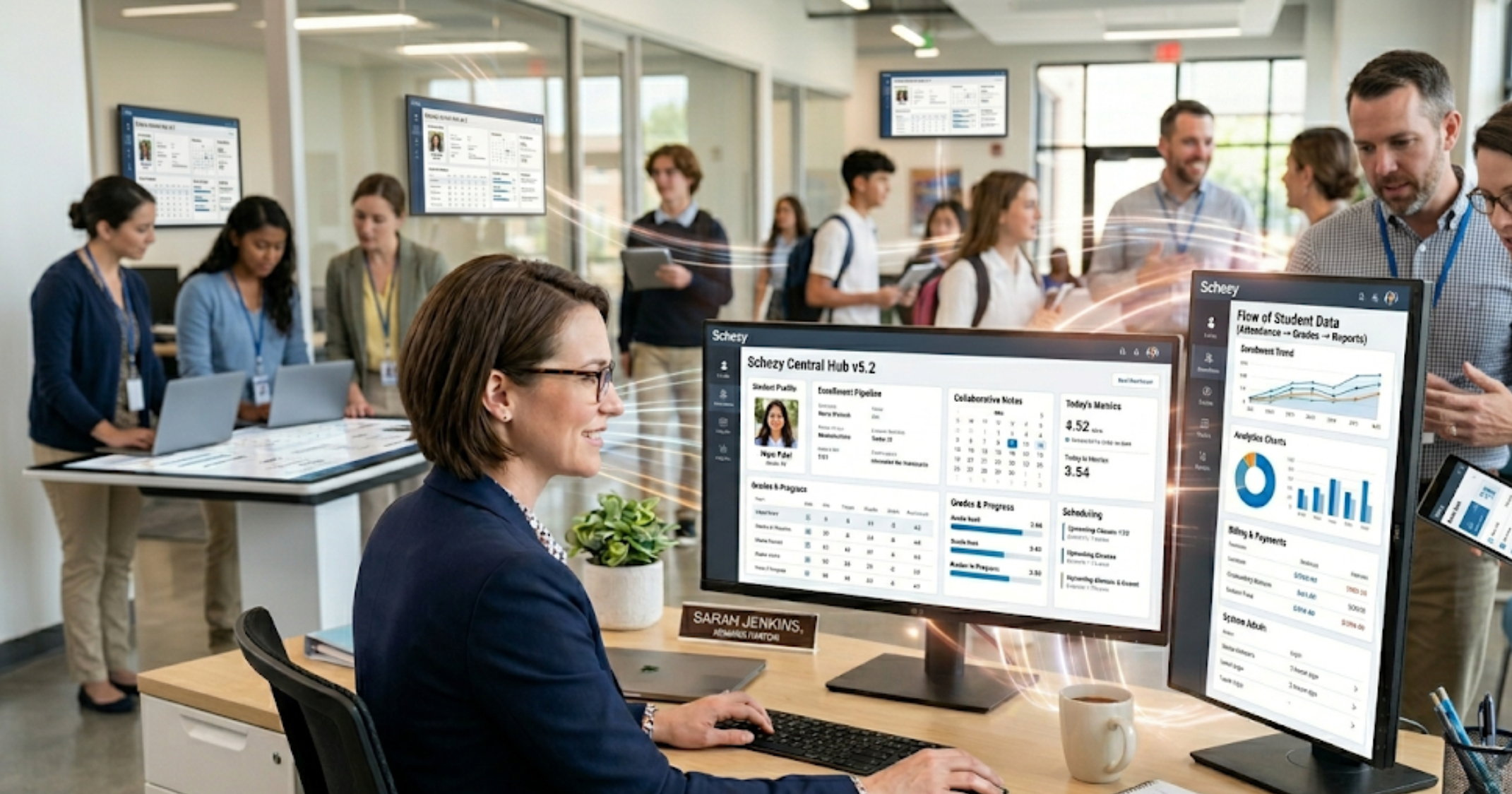
At Schezy, we design school administration software with those practical realities in mind. Our K-12 SIS solutions focus on the workflows that matter: enrollment, attendance, grade management, billing, and integrations with popular LMS systems. We build with cloud-first architecture, security controls, and analytics that leaders actually use.
From my conversations with customers, the most appreciated parts are clean student records management, simple parent portals, and reliable integration points. Those deliver quick wins during implementation and pay off by reducing day-to-day friction.
Checklist: picking and implementing the right SIS
Here’s a compact checklist you can use when evaluating vendors and planning rollout. Print it, share it, and use it in meetings.
- Define must-have and nice-to-have features
- Get input from teachers, admin, IT, finance, and parents
- Confirm data migration approach and responsibilities
- Check integration capabilities and API documentation
- Validate security, encryption, and compliance measures
- Request a sandbox or trial for real users to test
- Build a training plan with power users and staggered sessions
- Pick a calm launch window and define rollback steps
- Monitor adoption metrics and celebrate early wins
- Schedule regular vendor check-ins and a post-implementation review
FAQs
1. What is a Student Information System (SIS) for schools?
A Student Information System (SIS) is software that helps schools manage student data and administrative tasks such as admissions, attendance, grading, scheduling, and communication. It acts as a central platform to store and access accurate student information.
2. Why is an SIS important for schools in 2026?
In 2026, schools face increasing demands like hybrid learning, data-driven decisions, and stricter compliance requirements. An SIS helps streamline operations, improve data accuracy, enhance communication with parents, and support better decision-making.
3. What features should a good school SIS include?
A good SIS should include student records management, attendance tracking, gradebooks, scheduling, parent and student portals, billing, integrations with LMS and finance systems, analytics dashboards, and strong security controls.
4. How does Schezy help schools manage their operations effectively?
Schezy simplifies school management by offering a cloud-based SIS with features like enrollment management, attendance tracking, grading, billing, and seamless integrations. It helps reduce manual work, improve communication, and provide real-time insights for better school operations.
Final thoughts: treat SIS as a strategic asset
A student information system for schools is more than software. It’s the backbone of operations, the source for reporting, and the platform that supports teaching and learning. Treat it like an operational investment, not a one-off purchase.
If you’re facing a decision this year, start by mapping the problems you want solved. Don’t buy just because a demo looked slick. Ask for real references. Test with actual users. And plan for training and data cleanup before migration.
I’ve seen schools transform in a year. It takes leadership, a realistic plan, and a partner who understands the everyday realities of running a school. When it works, the whole community benefits: staff, students, and parents.
Helpful Links & Next Steps
- Schezy - School Administration Software
- Schezy Blog
- Contact Us
- info@schezy.com
If you want to see a modern SIS in action and explore how it fits your school, Book your free demo today. Book your free demo today