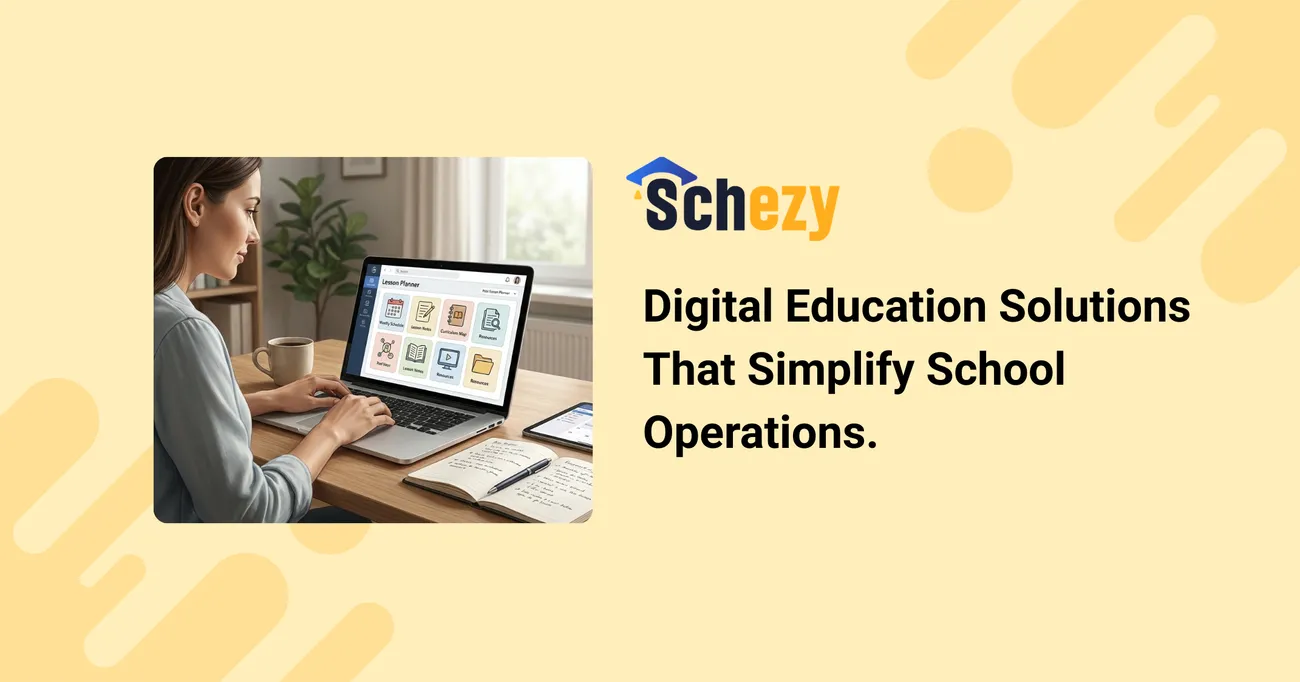
Digital Education Solutions That Simplify School Operations
In today’s fast-evolving education landscape, schools are under increasing pressure to manage academics, administration, communication, and compliance all while delivering quality learning experiences. This is where digital education solutions step in as powerful game-changers.
Modern school management systems, cloud-based platforms, and smart automation tools help institutions streamline daily operations that once consumed hours of manual effort. From attendance tracking and fee management to report generation and parent communication, everything becomes centralized, efficient, and accessible in real time.
Instead of juggling spreadsheets and paperwork, administrators can rely on integrated dashboards that provide instant insights into student performance, staff productivity, and institutional growth. Teachers benefit from digital gradebooks, assignment management tools, and communication portals that reduce workload and increase classroom effectiveness. Meanwhile, parents stay informed through instant notifications, progress updates, and secure messaging systems.
Beyond convenience, digital education solutions also enhance transparency, accountability, and data-driven decision-making. Schools can identify trends, monitor academic progress, and make strategic improvements with confidence.
Ultimately, adopting the right digital systems isn’t just about technology it’s about creating a smarter, more organized, and future-ready educational environment. When operations run smoothly, schools can focus on what truly matters: empowering students to succeed.
Digital Education Solutions That Simplify School Operations
Running a school today is a juggling act. Between admissions, attendance, timetables, fee collection, parent communication, and learning outcomes, administrators wear a dozen hats. I’ve noticed that the schools that breathe a little easier are the ones who treat operations like a system rather than a collection of tasks. Digital education solutions—when chosen and implemented thoughtfully—turn repetitive work into automated processes, free up staff time, and make data actionable.
This post walks through practical ways schools can streamline operations using school management software, cloud-based school management, and other smart school solutions. I’ll share what works, common pitfalls to avoid, and how to evaluate platforms like Schezy so your team can move from firefighting to focused improvement.
Why school automation matters now
Let’s start with the obvious: budgets are tight, expectations are high, and parents expect seamless communication. Beyond that, data is now a competitive advantage. If you’re still managing student records in spreadsheets or paper files, you’re missing opportunities to improve outcomes and reduce costs.
- Speed: Automated workflows cut days of manual work into minutes. For example, automated fee reminders reduce follow-ups and late payments.
- Accuracy: A centralized student information system (SIS) reduces errors from double-entry and lost forms.
- Visibility: Dashboards turn enrollment, attendance, and performance into useful metrics for leaders and boards.
- Scale: Cloud-based systems let you add new campuses, programs, or grades without a proportional increase in admin staff.
In my experience, schools that start with these outcomes—time savings, data accuracy, and visibility—are more likely to stay committed to a digital transformation journey.
Core components of a digital school administration platform
Not all platforms are created equal. A useful education technology platform should combine several capabilities so you aren’t juggling multiple disconnected tools.
- Student Information System (SIS): The central database for student profiles, enrollment history, medical records, and guardianship details.
- School Management Software / Education ERP System: Modules for admissions, fees, HR, payroll, and transport—ideally integrated with the SIS.
- LMS for Schools: Learning management features for assignments, online classes, grading, and teacher-student collaboration.
- Communication Tools: Integrated SMS, email, and app notifications for parents and teachers.
- Reporting & Analytics: Real-time dashboards and exportable reports for boards and regulators.
- Security & Compliance: Role-based access, audit trails, and data backups that meet privacy requirements.
When these components are connected, you get a true education ERP that reduces duplicate work and surfaces insights quickly.
Benefits of moving to cloud-based school management
Cloud systems are the backbone of modern school automation tools. They’re not just a trend—cloud-based school management offers tangible benefits that on-premise systems struggle to match.
- Lower upfront costs: No heavy servers or maintenance contracts. You pay for a subscription that usually includes hosting, updates, and support.
- Remote access: Administrators, teachers, and parents can access the system from anywhere—vital for hybrid or distributed campuses.
- Continuous updates: New features and security patches are delivered seamlessly, so you don’t get stuck on outdated software.
- Scalability: During admission season or exam cycles you can scale up without buying more hardware.
I've worked with schools where a cloud migration reduced IT tickets by half in three months. That’s not magic—just fewer moving parts for your in-house team to manage.
Automation opportunities that deliver quick wins
Start with processes that are repetitive, time-consuming, and error-prone. These are low-hanging fruit that give quick ROI and build support for broader change.
- Digital admissions: Online forms, automated eligibility checks, and document uploads replace paper trails and manual verification.
- Fee management: Automated invoicing, reminders, and online payments reduce cashier workload and late fees.
- Attendance tracking: Biometric or mobile app check-ins that sync with the SIS remove manual registers.
- Timetable generation: Intelligent schedulers reduce conflicts and accommodate teacher availability automatically.
- Parent communication: Automated notifications about performance, homework, and events keep families informed without extra calls.
When you automate these, staff time shifts from routine tasks to value-added activities like counseling, curriculum improvement, and parent engagement.
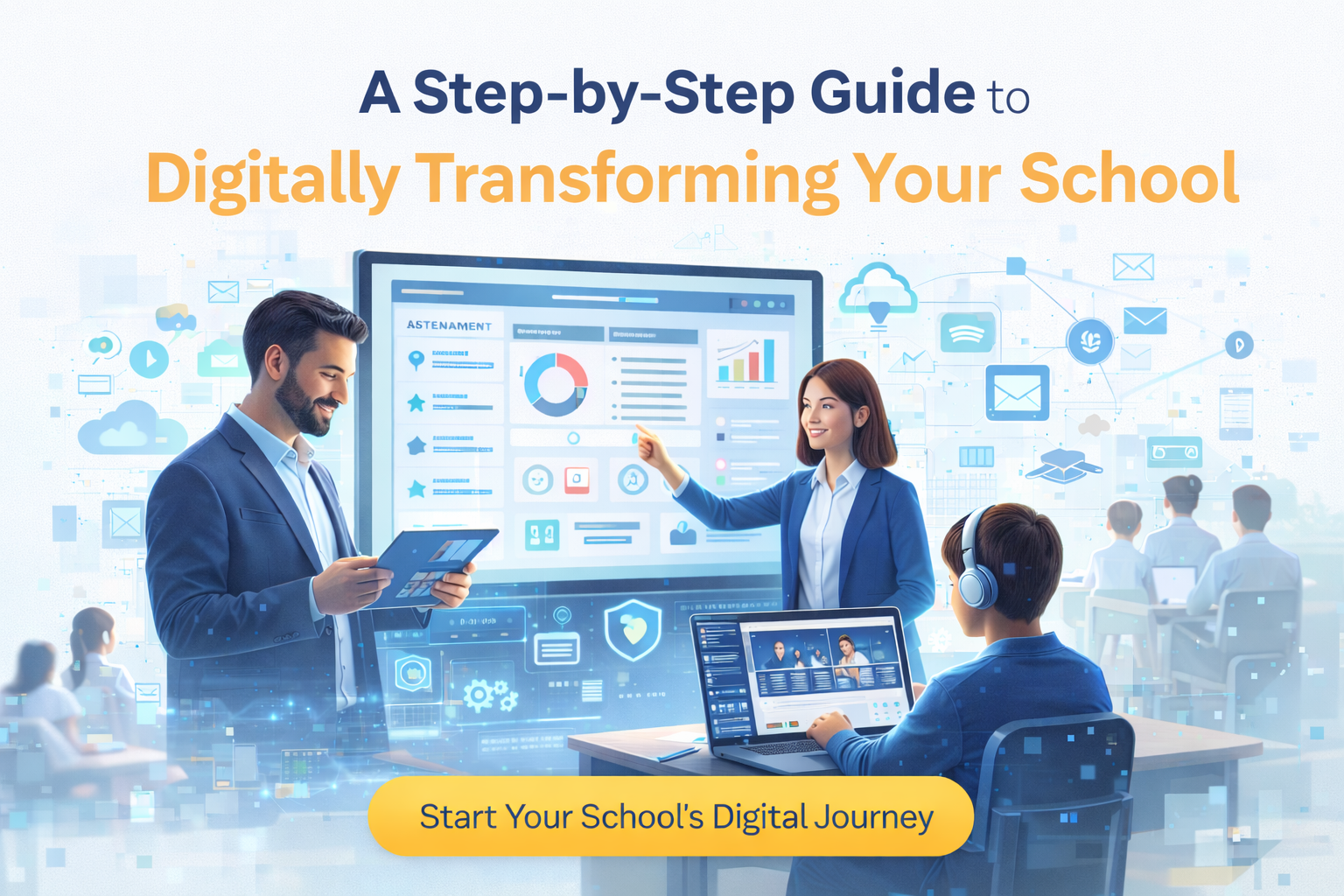
How automation supports teaching and learning
There’s a misconception that school automation only benefits administration. In reality, when done right, it amplifies teaching and learning too.
For instance, a good LMS for schools integrates with the SIS so teachers can see attendance and performance trends without switching systems. That means they can personalize instruction, intervene earlier, and streamline grading. In my experience, teachers who embrace a connected platform save hours each week on grading and record-keeping—and they get better at spotting students who need help.
Online assignments, rubrics, and automatic grade aggregation speed up feedback cycles. Students benefit from consistent communication and access to resources. Parents appreciate the transparency—no more guessing about homework or progress.
Choosing the right digital education solutions for your school
Picking software isn’t about features alone. It’s about fit. You want a platform that matches your school’s size, workflows, regulatory environment, and growth plans. Here’s a practical checklist I use with clients:
- Define outcomes first: Do you want to reduce admin hours, improve attendance, or centralize data for boards? Start there.
- Prioritize integrations: Ensure the SIS, LMS, finance, and transport modules talk to each other via APIs or built-in links.
- Ask about data migration: Moving records is often the hardest part. Confirm who’s responsible and how data quality will be handled.
- Evaluate user experience: Teachers and parents should be able to complete common tasks without long training sessions.
- Check security & compliance: Verify encryption, backups, and role-based access. You should also ask about local data residency if regulations require it.
- Request references and demos: Talk to similar schools and get a sandbox to test real workflows.
- Consider total cost of ownership: Look beyond subscription fees to include onboarding, training, and integration costs.
I've seen principals pick products based on flashy demos, only to discover months later that core workflows were missing. Don’t let glossy features trump real usability.
Common mistakes schools make (and how to avoid them)
Digital projects can stall for predictable reasons. Here are the traps I see most often—and what to do instead.
- Buying without a plan: Purchasing software before mapping workflows leads to configuration pain. Start with process mapping, then choose tools that fit.
- Underestimating change management: People resist change. Plan training, set realistic timelines, and identify champions among teachers and admin staff.
- Over-customization: Extensive customization adds cost and slows updates. Favor configurable platforms over bespoke code where possible.
- Poor data hygiene: Migrating messy data creates garbage-in, garbage-out systems. Clean and standardize records before migration.
- Ignoring integrations: A disconnected LMS and SIS create manual handoffs. Prioritize platforms with open APIs or native modules.
Small, steady wins beat big-bang projects. Roll out in phases: admissions first, then attendance, then learning tools. That sequencing keeps momentum and limits disruption.
Implementation roadmap: practical steps that work
A successful rollout follows a clear, iterative plan. Below is a roadmap that I’ve used with multiple schools. It keeps everyone aligned and reduces surprises.
- Assemble a core team: Include IT, admin, a senior teacher, and a parent or board rep. Keep the group small but empowered.
- Document current workflows: Capture how admissions, fee collection, attendance, and grading work today—step-by-step.
- Define success metrics: Examples: reduce admission processing time by 50%, cut fee collection overhead by 40%, or improve average assignment turnaround from 7 to 3 days.
- Choose the platform: Use the checklist above. Run demos with real workflows, not canned slides.
- Plan data migration and integrations: Map fields between systems and clean records in advance. Decide on a cutover strategy (big bang vs phased).
- Train in cohorts: Start with an early adopter group, gather feedback, then train broader staff. Use quick reference guides and short video clips for busy teachers.
- Monitor and iterate: Track your success metrics and gather qualitative feedback. Tweak workflows and settings rather than waiting for perfect configuration.
One practical tip: use the first term after go-live to measure process stability rather than chasing feature depth. Make sure core processes are reliable before layering advanced features.
Security, privacy, and compliance—non-negotiables
Data protection is not optional. Student records, medical information, and fee data are sensitive. You need to ask direct questions about how a vendor protects data.
- Encryption: Data should be encrypted in transit and at rest.
- Access controls: Implement role-based permissions and single sign-on where possible.
- Backups and recovery: Verify backup frequency and recovery time objectives.
- Audit logs: You should be able to see who accessed or changed records and when.
- Regulatory compliance: Confirm the vendor supports your local privacy laws and can provide data residency if required.
In my experience, schools that treat security as a checklist item rather than a design requirement end up paying more later—either in data breaches or rushed remediation work.
Measuring success: KPIs that matter
Set measurable goals you can track. Don’t rely on anecdotes. Here are KPIs that matter for administrators and boards:
- Average time to process an admission application
- Percentage reduction in administrative hours per week
- Fees collected on time (and late fee incidence)
- Average teacher time spent on grading and record-keeping
- Parent engagement rates on school app or portal
- Attendance accuracy and reduction in unexcused absences
- System uptime and average ticket resolution time
Track these monthly in the first six months, then quarterly. If you’re not seeing progress against your KPIs, reassess training, configuration, and user adoption before blaming the platform.
Budgeting and ROI: what to expect
Stakeholders always ask: “How quickly will we see ROI?” The answer depends on which processes you automate and the scale of your school. That said, here are typical areas where costs drop:
- Reduced overtime and casual staff for administrative peaks
- Lower printing and stationery costs
- Fewer errors and reconciliations in finance
- Improved retention driven by better parent communication and student support
As a rough benchmark, many schools see tangible financial returns within 12–18 months via time savings and improved fee collection. Intangible benefits—better parent satisfaction, faster decision-making by leaders, and happier teachers—compound over time and are often the real long-term payoff.
Integration with existing systems and third-party services
Most schools already use payroll systems, transportation vendors, or regional exam boards. Your chosen education technology platform should integrate rather than replace everything overnight.
Ask vendors about:
- Pre-built connectors for common finance or HR systems
- APIs and documentation for custom integrations
- Support for data exchange standards (e.g., CSV import/export, secure APIs)
- Single sign-on and account provisioning options
I've helped schools integrate a new LMS with their existing student assessment platform. It was messy at first, but focusing on a small set of high-value integrations made the project manageable.
Training and building internal champions
Software succeeds or fails on adoption. Even the best platform won’t deliver if teachers and staff don’t use it.
Don’t assume a one-off training workshop will do the job. Instead:
- Identify early adopters among teachers and admin staff who can act as champions
- Offer bite-sized training: 20–30 minute sessions focused on a single workflow
- Provide quick reference guides and short how-to videos
- Schedule follow-up sessions based on real user questions
- Set up a feedback loop so the vendor can address pain points quickly
Champions matter. They translate features into daily realities and help colleagues see the benefits. I’ve seen adoption rates double when schools formalize a champion program.
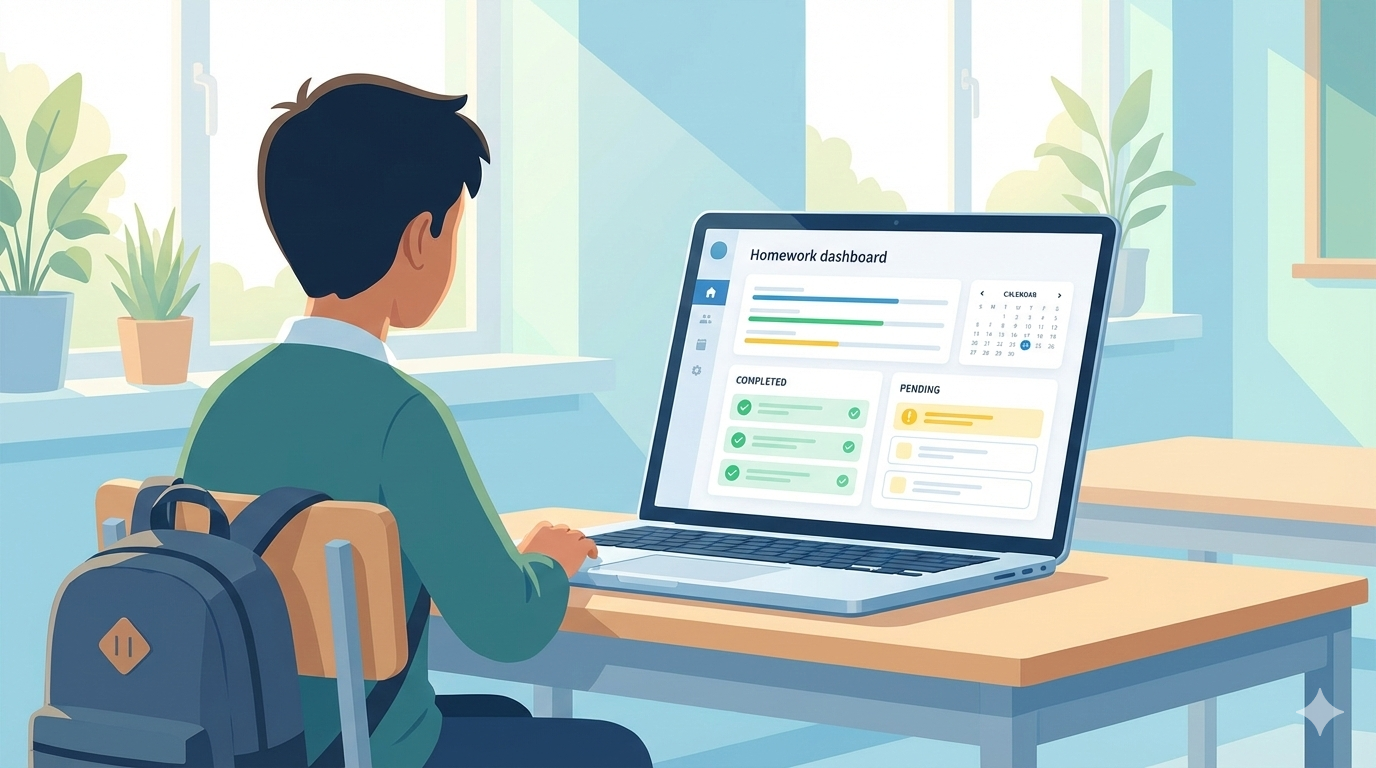
Case examples: practical wins from schools
Stories make change tangible. Here are a few anonymized examples from schools that implemented digital school administration and automation tools.
Example A — Urban private school (700 students): This school automated admissions and fee collection. Admissions processing dropped from two weeks to two days. The finance team cut reconciliation time by 60% using automated bank feeds and invoice matching.
Example B — Multi-campus trust (4 schools): They moved to a cloud-based education ERP system and standardized HR, payroll, and timetabling across campuses. Central reporting gave the trust board visibility into staffing costs and student outcomes, enabling data-driven resource allocation.
Example C — Rural public school (small budget): A lightweight student information system improved attendance tracking and parent communication. The school reduced unexplained absences by 30% within a term by sending automated alerts and coordinating with community liaisons.
These wins are practical and repeatable. They don’t require fancy AI or expensive bespoke development—just a focus on the right workflows and consistent implementation.
How Schezy fits into the picture
If you’re evaluating vendors, look for partners that understand schools, not just software. Schezy builds an integrated education technology platform that combines a student information system, LMS for schools, school management software modules, and cloud-based school management capabilities. In my conversations with school leaders, two things stand out about Schezy: practical workflows designed for real school scenarios, and an implementation approach that emphasizes training and incremental rollout.
Schezy supports integrations with finance and HR tools, offers role-based access controls, and provides reporting dashboards tailored to principals and boards. If you want a partner that helps map your workflows and doesn’t just hand you a product, Schezy is worth a look.
Common questions from school leaders
Here are answers to the questions I hear most often when I talk to principals and IT heads.
Q: Will this increase our workload initially?
A: Yes, there’s an initial effort—data migration, training, and process changes. That investment pays off quickly if you stick to a phased rollout and focus on high-impact workflows first.
Q: How do we handle parents who won’t use digital tools?
A: Provide alternatives during the transition: SMS summaries, printed receipts, or a parent-help desk at school. Over time, push adoption with simple benefits like faster fee receipts and real-time updates.
Q: Can we integrate with our payroll and accounting systems?
A: Most modern platforms, including Schezy, support integrations or APIs. Ask for specific connectors or a roadmap for custom integrations during vendor selection.
Q: What about training teachers who are tech-averse?
A: Use champions and short, task-focused training. Highlight time-saving benefits specific to teachers, such as automated gradebooks and assignment workflows.
Planning for future needs: not just today’s problems
When choosing a digital education solution, think about where your school will be in three to five years. Will you add another campus? Introduce blended learning? Expand extracurricular tracking? A flexible, cloud-based education ERP system gives you options without forcing a full replacement later.
Look for platforms that publish roadmaps, support modular upgrades, and keep APIs open. Those choices protect your investment as needs evolve.
Final checklist before you decide
Here’s a quick checklist you can use during vendor conversations and demos. I’d print this and bring it to demos with school leaders and IT staff.
- Does the platform cover our priority workflows (admissions, fees, attendance, LMS)?
- Are integrations with our current systems available or on the vendor roadmap?
- Who owns data migration and how will data quality be ensured?
- What support and training are included in the subscription?
- How does the vendor handle security, backups, and compliance?
- Can the vendor provide references from similar schools?
- What is the phased rollout plan and expected timeline?
- What are the total costs for 3 years (including onboarding, integrations, and training)?
Next steps and a simple action plan
If you’re ready to move forward, here’s a pragmatic way to start:
- Gather a core team with clear authority to make decisions.
- Document two or three high-impact workflows to automate first.
- Request demos focused on those workflows—bring real examples.
- Get a pilot or sandbox environment and run a 30–60 day proof-of-concept.
- Measure against defined KPIs and decide whether to scale or iterate.
Small pilots reduce risk and prove value faster than wholesale replacements. You’ll also build staff confidence as they see real improvements.
Parting thoughts
School automation isn’t about replacing people—it’s about giving them space to do what matters most: teach, counsel, and lead. When student information systems, LMS for schools, and school management software work together, administrators get back hours every week and leaders get the data they need to improve outcomes.
Technology is a tool, not a silver bullet. The difference between a successful transformation and a stalled project is usually planning, stakeholder engagement, and choosing a vendor who understands schools. If you're looking for a partner that combines practical workflows with hands-on implementation support, Schezy is built for that kind of collaboration.
Helpful Links & Next Steps
- Schezy — Education Technology Platform
- Schezy Blog — Insights on School Automation
- Try Schezy for Smarter Teaching
Ready to see how this looks for your school? Try Schezy for Smarter Teaching and schedule a demo to walk through your workflows and get a tailored plan.