How Biometric Attendance Software Transforms School Operations
Attendance feels like one of those small tasks that never really goes away. You mark the roll, chase late students, correct mistakes, and then do it again the next day. But what if attendance stopped being a daily grind and started becoming a source of reliable data that helps you run the whole institution better?
Biometric attendance software is more than just a fancy fingerprint scanner. It's a bridge between the classroom and the administrative systems that keep a school or college moving. In my experience, once schools commit to a proper implementation, they get fewer errors, faster reporting, and less time wasted on manual work. You're not just tracking who shows up. You're unlocking clean, usable data for your student management system, school ERP, and classroom management software.
Why attendance matters more than you think
We all know attendance affects learning. Poor attendance leads to lower grades, lower retention, and more administrative headaches. But there are other reasons to care. Attendance data feeds resource planning, safety protocols, funding allocations, and parent communications.
Think about it. A clean attendance record helps the academic team see trends early. Are a certain cohort or course sections slipping? Is a specific teacher facing chronic absenteeism? These are questions administrators and college management teams need answers to — and they need them fast.
That is where a solid student database software and a reliable attendance solution come in. Combine them and you get actionable insight instead of a pile of attendance sheets.
What exactly is biometric attendance software?
At its core, biometric attendance software uses unique biological traits like fingerprints, facial recognition, or iris scans to verify identity. Unlike ID cards that can be borrowed or forgotten, biometrics tie the attendance event to the person in front of the reader.
But the software is just as important as the hardware. The biometric device captures the sample and the attendance software matches it against the student database, timestamps the entry, logs the location, and pushes the record to your student management system or school ERP. Good systems can also flag anomalies, like multiple scans in seconds or students clocking in at odd locations.
Key benefits for school and college operations
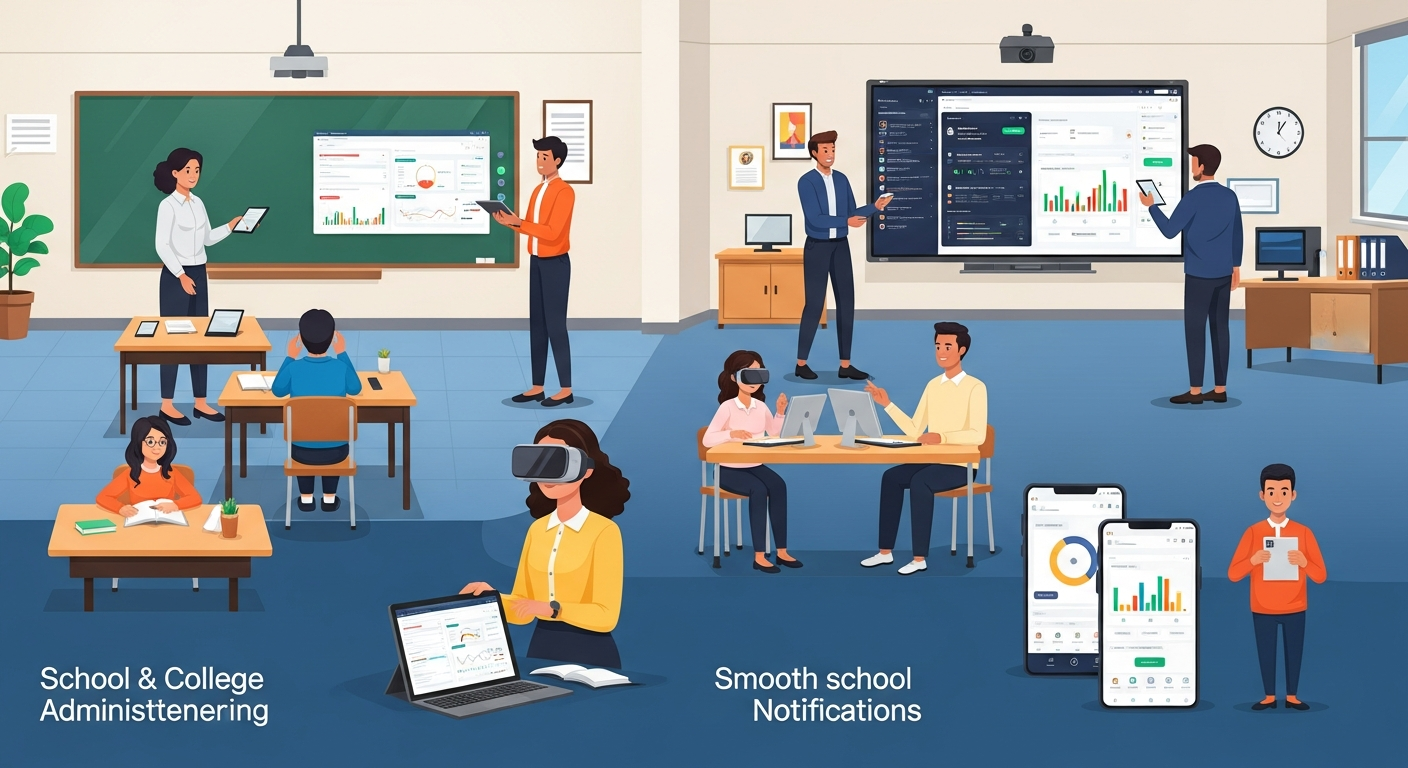
I've noticed most administrators focus on two obvious wins: accuracy and time savings. But there are broader operational benefits that matter just as much.
- Accuracy and integrity — Reduces buddy punching and proxy attendance. You're tracking real people in real time.
- Time savings — Teachers and office staff spend less time taking roll and more on teaching or strategic tasks.
- Faster reporting — Daily and monthly attendance reports are ready in minutes, not hours.
- Improved safety — Instant attendance logs help during drills, lockdowns, or emergencies.
- Better parent communication — Automated alerts for absences cut down the need for phone calls and manual follow-ups.
- Data-driven decisions — Clean attendance data fuels interventions, resource allocation, and accreditation reporting.
- Integration with existing systems — Syncs seamlessly with student management system, academic management system, and online school management platforms.
These benefits stack. The first month you save a few hours a week. By month three you're changing policies because you now trust the numbers.
How biometric systems integrate with school management software
Integration matters. A biometric reader that just stores local logs is a toy. A reader that feeds data into your student database software and school ERP becomes a powerful operational tool.
Most modern biometric solutions provide APIs or prebuilt connectors to popular school management software and classroom management software. Once integrated, attendance events can:
- Update the student profile in the student management system
- Trigger parent notifications through the school communication portal
- Feed into academic management system dashboards for teachers and counselors
- Sync with timetables so attendance is matched to specific classes or labs
In practice, I’ve seen a college administration use biometric attendance to automatically populate attendance into the grading software. That cut down the time for final attendance verification by 70 percent. It also reduced disputes during exam time because the attendance data was solid and auditable.
Which biometric method should you choose?
Fingerprint scanners are the most common in schools. They’re fairly affordable, fast, and reliable for most environments. Facial recognition is gaining ground because it can be contactless and faster during peak times like class change. Iris scanning is highly accurate but more expensive and less common in K-12 settings.
Pick a method based on these practical factors:
- Student age and acceptance. Small children may struggle with some devices.
- Budget for hardware and maintenance.
- Health and hygiene concerns. Contactless options can be preferable now.
- Accuracy needs and potential spoofing risks.
- Local laws and privacy expectations.
There’s no one size fits all. In my experience, fingerprint plus facial fallback works well for mixed environments. That gives you resiliency when a fingerprint scan fails or a student has a temporary hand injury.
Practical implementation steps
Rolling out biometric attendance is mostly a project management task. Do it right and teachers barely notice. Do it poorly and you’ll get resistance and gaps in data.
Here’s a practical checklist I use when advising schools and colleges.
- Define the goal. Why are you implementing biometrics? Fewer errors? Faster reports? Better safety? Clear goals shape the whole rollout.
- Audit your systems. Check your student database software and school ERP. Identify where attendance data needs to flow.
- Choose hardware. Consider fingerprint or facial devices. Evaluate speed, durability, and vendor support.
- Plan the network. Devices should connect securely. Think about bandwidth, power, and redundancy.
- Address privacy and compliance. Check local regulations and draft consent forms. Explain what data is stored and for how long.
- Pilot in a few classes. Start small. Fix problems before a full rollout.
- Train staff and students. Short hands-on sessions work best. Create quick cheat sheets.
- Monitor and iterate. Track adoption, error rates, and user feedback. Adjust device placement and scheduling as needed.
Small pilots are crucial. I’ve seen large colleges force a system-wide rollout without piloting. It created chaos. Little problems multiply fast in big institutions.
Data privacy and legal considerations
Biometric data is sensitive. Treat it that way.
First, ask whether you have explicit consent from parents, students, or staff. Some jurisdictions treat biometric identifiers as special categories of personal data. In my experience, simple transparency goes a long way. If people understand what you collect and why, they’re less likely to resist.
Some practical policies to adopt:
- Store biometric templates, not raw images. Templates are mathematical representations that can’t easily be reverse engineered.
- Encrypt the data in transit and at rest. Use TLS for network traffic.
- Limit retention. Keep attendance templates only as long as required by policy or law.
- Keep an audit trail. Log who accessed biometric records and when.
- Offer alternatives. Some users will object and need a non-biometric method.
Don't ignore privacy because it's inconvenient. You might save time today and lose trust tomorrow.
Common mistakes schools make
I've seen the same pitfalls again and again. Here are the important ones to avoid.
- Underestimating change management — People resist new workflows. Provide clear training and a support channel.
- Poor placement of devices — Devices in cramped or poorly lit locations underperform. Put them where traffic flows naturally.
- No fallback — Always have a backup for students who can’t use biometrics that day.
- Ignoring integration — If attendance lives in a silo, you lose most of its value. Integrate with your academic management system and student database software.
- Skipping pilots — Full rollouts can fail quickly. Pilot, learn, then scale.
- Not planning for maintenance — Hardware needs cleaning, updates, and eventual replacement. Budget for it.
A quick example: a school installed devices but forgot to sync with the timetable. Students scanned in, but the system logged the wrong class. That created a lot of extra work that could have been avoided with a simple integration check.
Measuring success and ROI
You want proof that the investment pays off. Track metrics from day one.
Useful KPIs include:
- Time saved per day on attendance tasks
- Reduction in attendance errors and manual corrections
- Parent notification response rates
- Decline in unauthorized absences
- Time to produce attendance reports
- Number of support tickets related to attendance
For a simple ROI example, calculate staff-hours saved on attendance and multiply by the hourly rate. Then compare that to the total cost of ownership including hardware, software subscription, and maintenance. In many cases, institutions break even within 9 to 18 months.
How biometric attendance helps specific roles
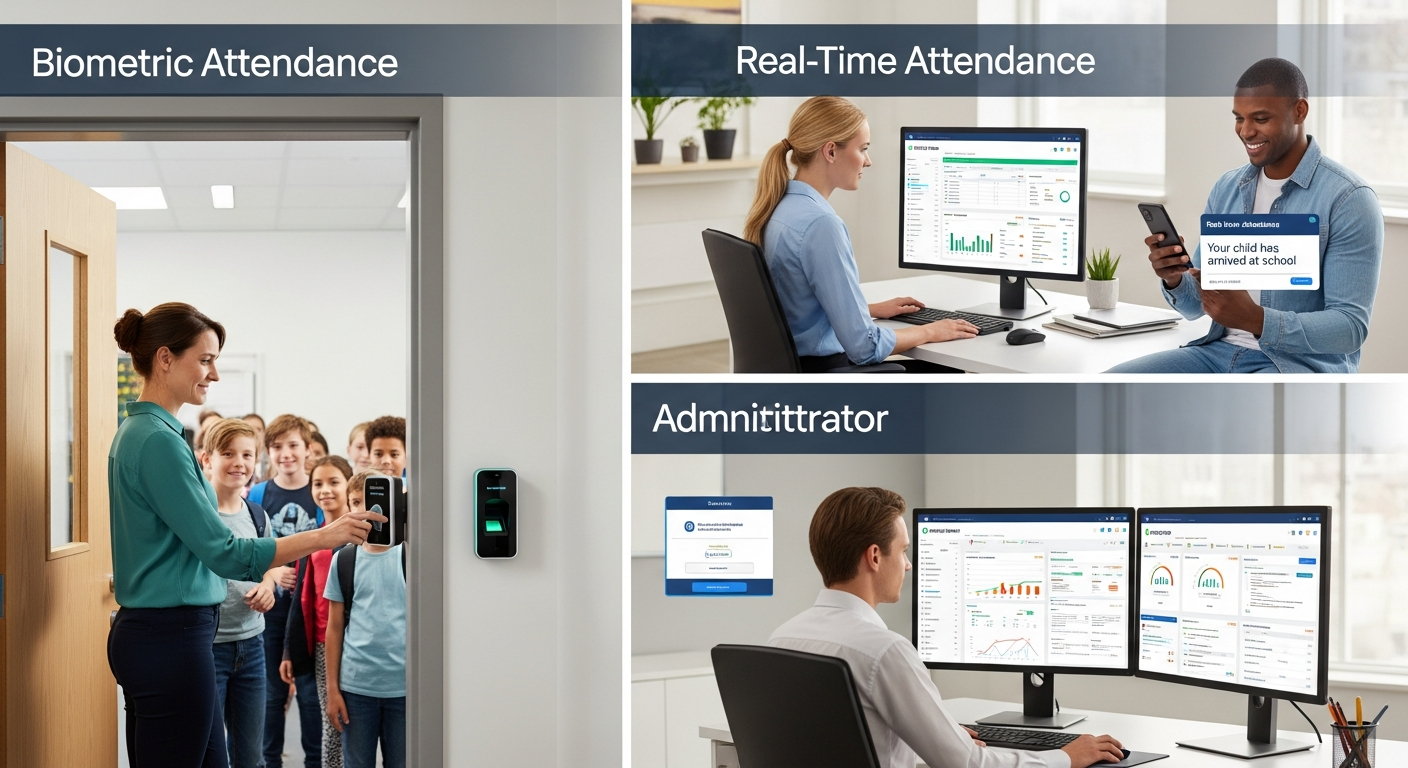
Different stakeholders get different value. Here’s what I usually highlight when talking to teams.
- School administrators — Cleaner data for planning and compliance. Less time chasing paperwork.
- College management teams — Better audit trails for attendance requirements and funding compliance.
- IT decision-makers — Centralized management, easier integrations, and predictable maintenance.
- Teachers — Less time taking roll and chasing absent students. More time for instruction.
- Parents — Timely notifications and better peace of mind.
When you show each group the direct benefit, getting buy-in becomes much easier.
Integration tips for EdTech and IT teams
Integration is where the real value comes in. If you work in EdTech or manage IT, here are some hands-on tips.
- Use standard APIs. If your student management system supports REST APIs, plan for a push model where devices push attendance to the central system in near real time.
- Sync with your student database software nightly if real-time pushes are not possible. Make sure you handle timezone and daylight savings correctly.
- Tag attendance by location and timetable. That helps match the record to the right class or lab session.
- Design for offline mode. Devices should cache scans when the network is down and sync later automatically.
- Log everything. A structured audit trail helps diagnose missed records and supports compliance audits.
These are practical engineering decisions that reduce headaches after launch.
Case example: a medium-sized school
Let me give you a simple example. A school with 1,200 students and 80 staff members moved from manual roll calls to a biometric system integrated with their school ERP and student management system.
Before the change, teachers spent around 15 minutes per day on attendance sheets and corrections. After implementation, roll took under 5 minutes and most corrections disappeared. The administration reduced manual follow-ups by 60 percent. Parents received automated SMS alerts for unexplained absences. The finance team used attendance records to validate grant claims. The school saw a tangible productivity increase and clearer reporting.
That outcome didn't happen overnight. The school piloted for six weeks, trained staff, handled consent forms, and set up alternative sign-in methods for students who opted out. The pilot phase fixed placement and timing issues before a full rollout.
Considerations for EdTech startups and vendors
If you build or sell EdTech solutions, biometric attendance is an opportunity. Startups should think beyond the device. Software that makes attendance actionable offers the most value.
Here are product ideas that work well:
- Seamless connectors to popular student management systems and school ERPs.
- Prebuilt reports for compliance, funding, and parent communications.
- Simple admin consoles for device management and firmware updates.
- White-label parent apps that deliver attendance alerts and summaries.
- Privacy-first features, including configurable retention policies and consent management.
In my experience working with vendors, the easiest way to win schools is to make integration painless, pricing predictable, and support local.
Future trends to watch
Biometric technologies keep getting better and more affordable. A few trends I expect to see:
- More contactless options like facial recognition and gait analysis.
- Smarter analytics built into school ERP and academic management systems.
- Increased emphasis on privacy-preserving techniques like template hashing and federated processing.
- Greater use of attendance data for personalized learning interventions.
Schools that start building clean attendance data now will find it easier to adopt advanced analytics later.
Practical advice before you buy
If you are evaluating solutions, here are questions I always recommend asking vendors. They’ll save you time and headaches.
- How does your system integrate with our student management system and school ERP?
- Can devices work offline and sync later?
- How do you protect biometric data and what encryption do you use?
- Do you provide APIs and documentation for developers?
- What are the total costs including hardware, software, and maintenance?
- What support options are available and are they local?
- Do you provide pilot programs and training materials?
Ask for references from similar sized institutions. A vendor who has done this successfully in a comparable school will likely be easier to work with.
Quick checklist for a successful rollout
Here's a compact checklist you can use in meetings or share with teams.
- Define objectives and success metrics
- Audit existing student database and ERP integrations
- Select biometric method and vendor
- Run a small pilot
- Train staff and students
- Establish privacy and consent policies
- Monitor KPIs and iterate
Keep it simple. Don’t try to solve every problem at once. Fix the basics first and expand later.
Also Read
- From Spreadsheets to Smart DB: Modernizing Your Student Management Database
- Top 50+ Student Management System Databases January 2026
Final thoughts
Biometric attendance software changes the day-to-day work in schools and colleges. It reduces friction, brings accuracy, and makes attendance data useful. In my experience, the schools that treat attendance as a data asset see the most benefit. They use it to improve teaching, streamline administration, and keep students safer.
If you are an IT decision-maker or an administrator, start with a pilot, integrate the system into your student management system, and be realistic about change management. And if you work at an EdTech startup, focus on integration, ease of use, and privacy. That’s what gets you into schools and keeps you there.
Helpful Links & Next Steps
If you'd like to see how biometric attendance can fit into your student management system or school ERP, Book your free demo today: Book your free demo today
FAQs
1. What is biometric attendance software and how does it work?
Biometric attendance software uses unique biological traits like fingerprints, facial recognition, or iris scans to verify student or staff identity. The hardware captures the sample, and the software matches it against the student database, timestamps the entry, logs location, and updates your student management system or school ERP. This ensures accurate, tamper-proof attendance records.
2. What are the main benefits of implementing biometric attendance in schools and colleges?
Key benefits include:
-
Accurate attendance tracking and reduced proxy attendance
-
Time savings for teachers and administrative staff
-
Faster daily, weekly, and monthly reporting
-
Improved safety and emergency management
-
Automated parent notifications
-
Data-driven decisions for academic and resource planning
-
Seamless integration with student management and academic management systems
3. How can biometric attendance software be integrated with existing school systems?
Modern biometric solutions typically provide APIs or prebuilt connectors that sync attendance data with student management systems, school ERPs, or classroom management platforms. Integration allows real-time updates, triggers parent notifications, feeds academic dashboards, and matches attendance to specific classes or labs for more accurate reporting.
4. What privacy and legal considerations should schools keep in mind when using biometrics?
Biometric data is sensitive. Schools should:
-
Obtain explicit consent from students, parents, or staff
-
Store templates instead of raw images
-
Encrypt data in transit and at rest
-
Limit retention according to policy or law
-
Maintain audit trails for access
-
Provide alternative attendance methods for those who opt out
Compliance and transparency are critical to prevent legal issues and build trust.