How Interactive Tools Keep Students Actively Engaged Throughout Class
Interactive tools play a crucial role in keeping students actively engaged throughout class by transforming passive learning into dynamic participation. Technologies such as real-time quizzes, collaborative platforms, digital whiteboards, and gamified learning apps encourage students to interact with content rather than simply consume it. These tools increase focus, improve knowledge retention, and foster collaboration by giving every student a voice in the classroom. By incorporating interactive elements into lessons, educators can create a more inclusive, motivating, and student-centered learning environment that supports diverse learning styles and enhances overall academic performance.
Beyond increasing participation, interactive tools also provide teachers with immediate feedback on student understanding. Features like live polls, instant assessments, and progress tracking dashboards help educators identify knowledge gaps in real time and adjust their teaching strategies accordingly. This data-driven approach ensures that learning stays aligned with student needs rather than following a rigid lesson plan.
Interactive platforms also encourage collaboration and critical thinking. Group discussions in shared digital workspaces, peer review activities, and problem-solving simulations promote teamwork and active engagement. Instead of memorizing information, students analyze, apply, and discuss concepts, which leads to deeper comprehension and stronger retention.
Another important advantage is accessibility. Many interactive tools support multimedia content, subtitles, adaptive learning paths, and remote participation, making lessons more inclusive for students with different learning styles and abilities. This flexibility ensures that every student can stay involved, whether learning in-person or online.
Ultimately, interactive tools shift the classroom from a lecture-based model to an experience-driven environment. When students participate, collaborate, and receive instant feedback, learning becomes more meaningful, engaging, and effective preparing them with both knowledge and real-world skills.
How Interactive Tools Keep Students Actively Engaged Throughout Class
Engagement isn't a nice-to-have; it's the engine of learning. Over the years I've watched classrooms flip from passive lectures to active, messy, exciting spaces—and a lot of that shift comes down to one thing: well-designed interactive tools. In this article I'm going to walk through why interaction matters, how specific tools keep students involved from bell to bell, common pitfalls to avoid, and practical steps you can take right now to boost engagement in your school or district.
Why student engagement deserves your attention
When students are engaged, they pay attention, practice skills, give feedback, and—most importantly—remember. Engaged students ask questions, make connections, and show up more consistently. That sounds obvious, but in my experience engagement is often treated like a side effect of a lesson, not an outcome to design for.
Active learning techniques are linked to better retention and deeper understanding. Educators who use interactive strategies see faster formative assessment cycles and fewer surprises on summative tests. For administrators and EdTech decision-makers, that translates into measurable gains: improved test scores, higher attendance, and stronger teacher satisfaction.
What I mean by “interactive tools”
“Interactive tools” covers a lot of ground. Here’s a quick map of the main categories I mean throughout this post:
- Real-time classroom response systems (polls, quizzes, live voting)
- Collaborative learning platforms (shared docs, digital whiteboards, breakout rooms)
- Gamified learning tools (points, badges, leaderboards, mission-based lessons)
- Formative assessment tech (auto-scored quizzes, item analytics)
- Multimedia tools (interactive videos, simulations, AR/VR experiences)
- Feedback and analytics dashboards (participation tracking, heatmaps, quick reports)
These aren't silver bullets. But used thoughtfully, they make classes more student-centered and give teachers real-time insight into learning. I often tell school leaders: the tech's value comes from how it supports pedagogy, not from fancy features alone.
How interactive tools keep students actively engaged
There are several mechanisms by which interactive tools increase engagement. Below I break them down and give concrete classroom examples.
1. Immediate feedback keeps the learning loop tight
Students learn best when they get fast, actionable feedback. Waiting days for graded work kills momentum. Real-time quizzes and auto-graded checks close the loop instantly.
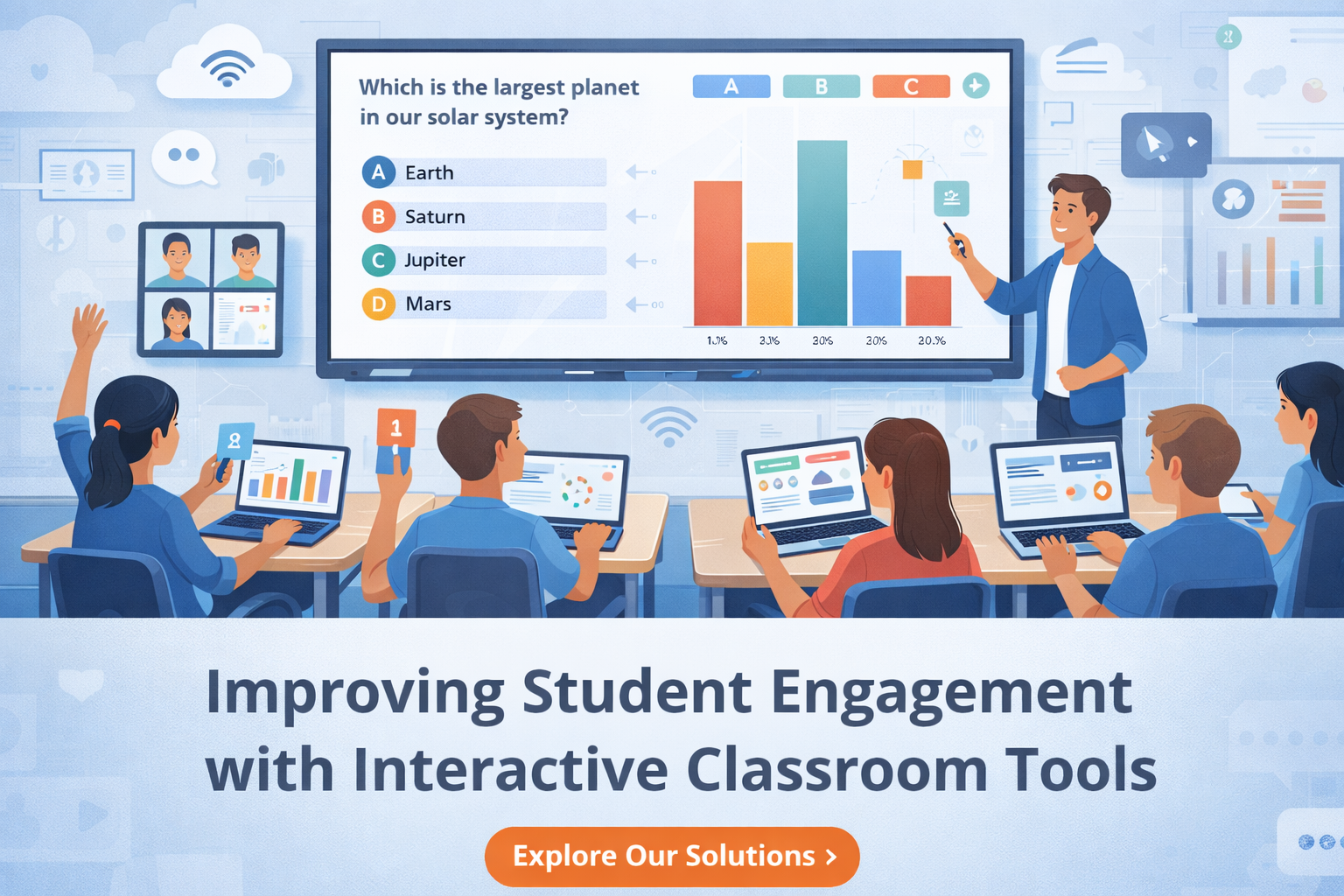
Example: Start a lesson with a two-question poll that reveals prior knowledge. Mid-lesson, launch a quick five-question quiz to see who’s following the concept. If half the class flunks question three, pivot: clarify, model, then re-check. That kind of micro-assessment prevents misconceptions from spreading.
2. Active participation reduces passive drift
When students know they'll be called on to contribute or submit something, they're less likely to zone out. Interactive tools create predictable hooks for participation—polls, cold-calling apps, and shared whiteboards all do this without putting a single shy student on the spot.
Practical tip: Use randomized name pickers (which can be part of your digital platform) along with small group work. It balances accountability with safety—students prepare knowing they might contribute, but they’re not performing alone under pressure.
3. Collaboration turns learning into doing
Tools that facilitate real-time collaboration—collaborative docs, annotation tools, and virtual breakout rooms—shift the classroom from “teacher tells” to “students do.” This active construction of knowledge leads to better retention and transferable skills.
Example activity: Assign student teams to annotate a primary source document using a collaborative platform. Each student takes a role (summary, context, questioner, connector). They build a shared artifact while the teacher circulates (virtually or physically) to coach.
4. Gamification taps into motivation
Reward structures—points, levels, badges—give students clear short-term goals that align with long-term learning. When done right, gamification increases time-on-task and sustained effort.
Note of caution: I’ve seen poorly designed gamified systems spur competition at the expense of collaboration. Keep badges focused on growth (mastery badges) rather than just speed or ranking.
5. Multimedia and simulations make abstract ideas concrete
Physics concepts, historical simulations, and language immersion all come alive with interactive multimedia. Students can manipulate variables, replay sequences, and explore scenarios they can't access in a textbook.
Quick example: Use an interactive simulation to let students change friction and mass and observe effects on motion. They hypothesize, test, and revise—exactly the scientific method in action.
6. Real-time analytics help teachers teach smarter
Interactive platforms often provide dashboards that show who’s participating, which questions tripped up most students, and where to reteach. That intelligence helps teachers focus their energy where it matters most.
In my experience, teachers who check dashboards between lessons can reduce reteach time by targeting misconceptions rather than re-explaining content everyone already understands.
Designing engagement: strategies that actually work
Tool selection is important, but even the best platforms need good classroom design. Here are practical strategies I've used with teachers to make the technology meaningful.
Start with a learning objective, not a shiny feature
Don't pick a tool and then hunt for lessons to fit it. Define the learning objective first. Ask: What should students be able to do after this class? Then choose the tool that helps students practice that skill.
Chunk lessons into micro-engagements
Long lectures lose students. Break a 45-minute lesson into short cycles: teach (5–10 minutes), check (3–5 minutes), practice (8–12 minutes), reflect (3–5 minutes). Interactive tools fit perfectly into each cycle—use polls for checks, collaborative docs for practice, and exit tickets for reflection.
Use structured discussion protocols
Unstructured discussion often leads to silence or domination by a few voices. Protocols (think: “think-pair-share,” “Socratic circle,” or “gallery walk”) combined with digital tools ensure every student contributes.
Example: For think-pair-share, have students write a one-sentence response in a shared doc, then discuss in pairs via breakout rooms, and finally submit a polished answer. That gives time to process and reduces anxiety for introverted students.
Differentiate through choice and pacing
Interactive platforms let students pick tasks at their readiness level or work at different paces. Offer tiered activities and let students choose a path—this respects learner autonomy and keeps more students in the sweet spot of challenge.
Build routines around tools
Consistency reduces cognitive load. If students know exactly when a poll will appear or how to join a shared whiteboard, class runs smoother. Train the routines early: run a tech rehearsal, use the same names for tools, and create quick-reference guides.
Role of teachers and administrators
Tech doesn’t replace teachers; it amplifies them. In fact, in the most successful implementations I've seen, teachers are the ones doing the heavy lifting: designing interactions, guiding collaboration, and interpreting analytics.
Professional development matters
Teachers need time and coaching to embed interactive tools into pedagogy. Short workshops and peer observation are more effective than one-off vendor demos. I like a blended approach: a quick vendor walk-through, followed by lesson planning time, then in-class coaching where a tech specialist models use and gives feedback.
Support from leadership enables scale
School leaders play a big role. Provide clear expectations, protect teacher planning time, and fund pilot programs. When leaders communicate a vision for active learning and back it with resources, adoption accelerates.
Involve IT, not just teachers
IT and infrastructure decisions matter. Bandwidth, single sign-on (SSO), and device management affect day-to-day reliability. Don't treat tech as a late-stage concern—include IT early in vendor selection and piloting.
Common mistakes and pitfalls (and how to avoid them)
Interactive tools are powerful, but they can also frustrate teachers and students when misapplied. Here are common traps I’ve observed and practical solutions.
Mistake: Using tech for tech’s sake
Too many classrooms use tools because they're new, not because they support learning. Fix: always start with the learning goal and pick the simplest tool that does the job.
Mistake: Poor onboarding and inconsistent routines
When students see a new tool for the first time, chaos can follow. Fix: spend a class or two explicitly teaching the workflow and set expectations. Repeat the routine until it becomes second nature.
Mistake: Over-gamifying or creating unhealthy competition
Leaderboards can motivate but can also demoralize slower learners. Fix: use game mechanics for mastery and growth. Offer private progress indicators and badges that celebrate improvement.
Mistake: Ignoring equity and accessibility
Not all students have the same device, bandwidth, or learning needs. Fix: ensure content is mobile-friendly, provide offline alternatives, and choose tools that support screen readers and captioning. Consider device lending programs paired with your roll-out.
Mistake: Failing to align assessment
If formative activities don't feed into grading or feedback systems, they're often abandoned. Fix: align classroom activities with assessment standards and make sure data can be exported to your LMS or gradebook.
Measuring impact: what to track
If you're an administrator or EdTech buyer, you need evidence that tools move the needle. Track a combination of qualitative and quantitative indicators.
- Participation rates (how many students respond to polls/quizzes)
- Formative assessment performance (pre/post checks)
- Time-on-task metrics (how long students spend on learning activities)
- Attendance and tardiness trends
- Teacher adoption rates and comfort level
- Student feedback/surveys on motivation and clarity
Start small: pick two indicators and track them before and after a pilot. Even simple metrics like “percentage of students responding to in-class polls” tell a useful story.
How to pilot interactive classroom technology (a practical roadmap)
Rolling out new classroom technology is a project. Here's a pragmatic pilot plan you can adapt to your school.
- Define goals and success metrics (1–3 clear outcomes).
- Select a representative pilot group (grade, subject, or teacher cohort).
- Choose a small, flexible set of features to test (polls, quizzes, collaborative boards).
- Train teachers with lesson co-planning and tech rehearsals.
- Run the pilot for a defined period (4–8 weeks).
- Collect data and teacher/student feedback mid-pilot and at the end.
- Iterate: refine routines, address tech issues, and make a scaling plan.
One tip from my experience: pilot with teachers who are curious rather than the most tech-savvy. Curious teachers give honest feedback and iterate on pedagogy; tech-savvy teachers may skip important workflow decisions that others will need later.
Choosing the right vendor
There are lots of interactive platforms out there. When evaluating vendors, focus on these criteria:
- Pedagogical alignment: Does the platform support active learning techniques you care about?
- Ease of use: Can teachers and students learn it in a class or two?
- Integration: Does it connect to your LMS, SSO, and gradebook?
- Analytics: Are the reporting tools actionable and exportable?
- Accessibility and privacy: Does it meet accessibility standards and data protection policies?
- Support and training: Does the company offer in-class coaching, not just videos?
- Cost and licensing model: Is it sustainable across the district?
And don't forget to check references. Ask for classrooms in similar contexts and, if possible, observe those classes live or via recorded lessons.
Practical lesson ideas using interactive tools
Here are tried-and-true lesson structures that combine tools and pedagogy—ready to adapt to your subject area.
Quick formative check-in (5–8 minutes)
Use: Real-time poll or quiz.
Flow: Present an essential question > 1-minute think > submit answer via poll > show anonymized results > 3-minute explanation targeting misconceptions.
Why it works: Fast feedback lets you adjust in the moment and keeps students accountable every day.
Collaborative problem-solving (20–30 minutes)
Use: Breakout rooms + shared doc or whiteboard.
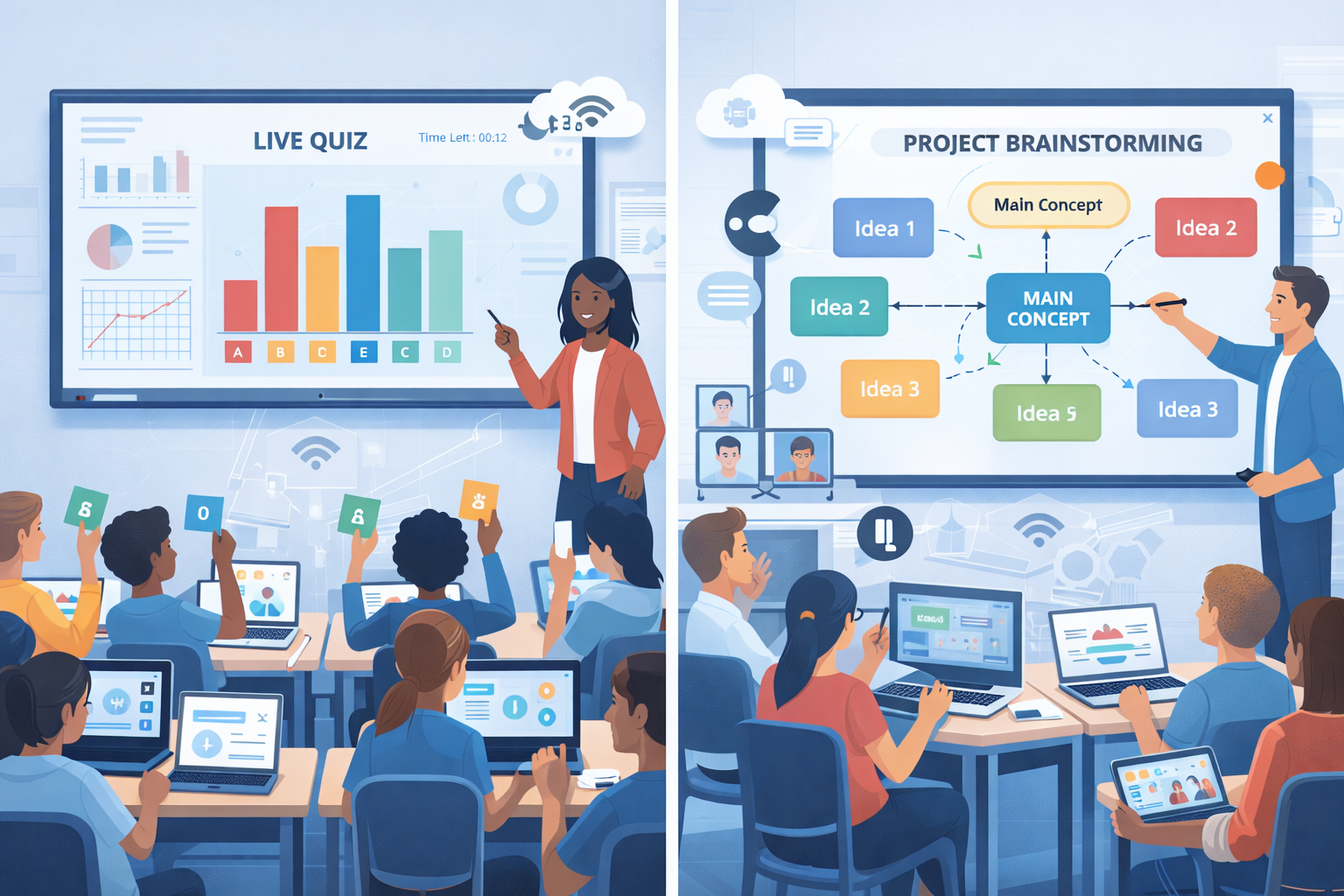
Flow: Give a complex problem or case study > assign roles (recorder, presenter, checker) > 15 minutes group work > groups post answers to a shared board > gallery walk and whole-class synthesis.
Why it works: Students practice reasoning, justify answers, and learn from peers instead of only listening to the teacher.
Flipped lesson with interactive video (homework → class)
Use: Interactive video with embedded questions.
Flow: Students watch a short video before class and answer embedded checks. Class starts with a poll on the video’s main idea, then moves into application tasks based on the video responses.
Why it works: Flipping shifts acquisition to homework and reserves class for higher-order thinking. Interactive checks ensure students actually engaged with the content.
Peer review and revision cycle (ongoing)
Use: Shared docs + rubrics + annotation tools.
Flow: Students draft essays in a shared doc > apply a simple rubric to a peer’s draft > annotate and leave suggestions > revise and submit final draft.
Why it works: Peer feedback builds metacognitive skills and helps students learn by critiquing others’ work.
Equity-forward implementation
Technology can widen gaps or close them, depending on your approach. Here are equity-focused practices I've seen make a difference.
- Ensure device and Internet access: coordinate device lending and hotspots where needed.
- Offer multiple ways to participate: oral responses, typed answers, drawings, or video submissions.
- Provide scaffolds: sentence starters, graphic organizers, or guided templates for students who need them.
- Make grading transparent: show how interactive tasks connect to grades and growth.
Small steps—like ensuring mobile compatibility and captioning—remove real barriers for many students.
Security, privacy, and data governance
EdTech isn't just about engagement; it's also about protecting students. Any vendor you choose should comply with applicable privacy laws and district policies (FERPA, COPPA, GDPR equivalents where relevant). Ask vendors for:
- Data retention and deletion policies
- Details on third-party data sharing
- Encryption standards and access controls
- Options for anonymized or aggregated reporting
I've worked with districts that delayed rollouts because of unclear data policies. It's worth getting IT and legal sign-off early to avoid last-minute surprises.
Scaling from pilot to whole-school adoption
Once a pilot shows promise, scale intentionally. Hasty rollouts create inconsistent practice and teacher burnout.
Suggested scaling steps:
- Document pilot outcomes and teacher stories (qualitative wins are persuasive).
- Create a phased roll-out plan by grade or subject.
- Establish teacher leaders or “champions” who can mentor peers.
- Invest in district-level PD and in-class coaching.
- Monitor adoption metrics and revisit agreements with vendors for support.
Scaling is as much about people and process as it is about the product. When teachers feel supported, student engagement follows.
Cost considerations and ROI
Decision-makers often ask: Is this worth it? Consider both direct and indirect returns.
- Direct: improved assessment scores, reduced remediation time, lower textbook costs if content is digital.
- Indirect: higher teacher retention, better parent satisfaction, stronger school reputation, and time saved in grading and lesson prep.
Put numbers behind these where you can. Even a simple cost-benefit projection—estimating minutes saved per teacher per week or percentage improvement in formative checks—helps build the case for investment.
Real-world examples and mini case studies (anecdotes)
I’ll share a couple of short stories that show how interactive tools change classroom dynamics.
At one middle school I worked with, math teachers started each class with a three-question warm-up poll. Within a month they reported fewer behavior issues and a 15–20% bump in average formative scores. Why? Students arrived prepared mentally for math and teachers could immediately target reteach actions.
In a high school history department, using collaborative annotation on primary sources made quiet students the strongest contributors. The teacher reported deeper discussions because students could build on each other’s annotations before speaking out loud.
These are small-scale changes, but they add up. When more students participate more often, the learning gains become visible.
What to ask in a vendor demo
If you’re lining up demos, come prepared with practical questions. Here are the ones that matter:
- How easy is onboarding for teachers and students? Can we run a pilot without district-wide SSO first?
- What kind of analytics do you provide? Can reports be exported to our LMS or spreadsheets?
- How does the platform support accessibility and offline access?
- Do you offer in-person coaching and lesson co-planning? If so, at what cost?
- What is your data policy and compliance documentation?
- Can we customize templates and rubrics to match our standards?
Watch for demos that show real classroom workflows rather than feature lists. The best vendors will model a lesson and show how teachers use analytics to adjust instruction.
Final thoughts: keep pedagogy in the driver’s seat
Interactive learning tools are powerful, but only when they serve instruction rather than replace it. My advice—based on years of classroom observations—is simple: start small, focus on clear learning outcomes, train with purpose, and measure what matters.
When you align tools with active learning techniques—regular formative checks, collaborative problem-solving, and clear routines—you’ll see engagement climb and learning deepen. And you'll end up with classrooms where students aren't just present; they're genuinely involved.
Helpful Links & Next Steps
Ready to see how interactive classroom technology can work in your context? Book a Free Demo with Schezy and walk through a sample lesson tailored to your grade level and goals. It's a low-commitment way to test ideas and get concrete next steps.