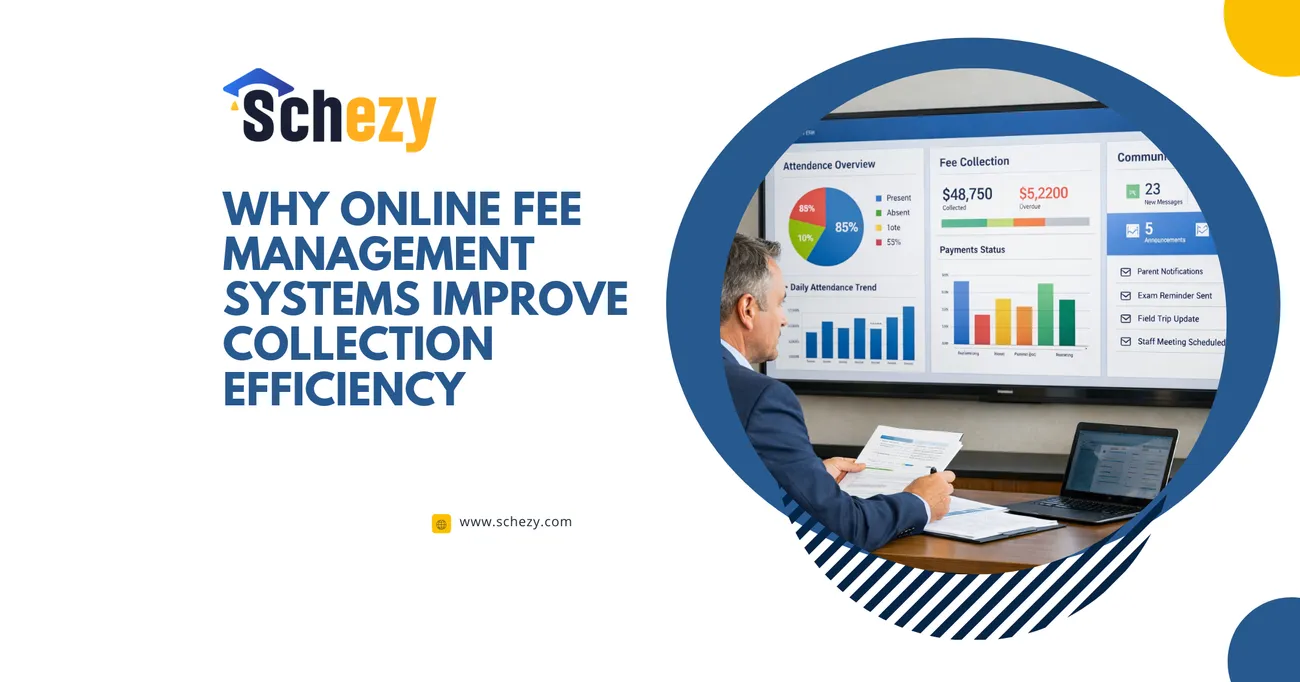
Why Online Fee Management Systems Improve Collection Efficiency
Online fee management systems help organizations streamline and automate the entire fee collection process, making it faster, more accurate, and more transparent. By replacing manual methods with digital solutions, institutions can reduce errors, eliminate paperwork, and ensure timely payments through automated reminders and multiple payment options.
These systems also provide real-time tracking, detailed reports, and secure transactions, allowing administrators to monitor collections efficiently and make better financial decisions. Overall, online fee management systems improve collection efficiency by saving time, reducing operational costs, and enhancing the payment experience for users.
Why Online Fee Management Systems Improve Collection Efficiency
Managing fee collection used to mean stacks of cash, mountains of receipts, and a team constantly on the phone chasing late payments. I've seen institutions where fee collection eats up too much time and creates avoidable stress for staff and parents alike. Today, a robust online fee management system can change that — for good.
This post explains why a digital payment system for schools and coaching centers isn't just a convenience: it's an operational upgrade that improves accuracy, speed, transparency, and cash flow. I’ll walk through practical benefits, common pitfalls, implementation tips, and what to look for in fee collection software — and I'll show how Schezy fits into this picture as a practical education payment solution.
Why move from manual systems to a digital fee collection approach?
Most institutions start with manual or semi-manual processes because they're simple at first. But as the number of students grows, these processes break down. You begin losing time to reconciliations, correcting receipt errors, and answering duplicate queries. An online fee management system replaces repetitive tasks with automation, freeing up staff to focus on work that actually matters — like improving student services.
In my experience, the tipping point for many schools and coaching centers comes when staff realize they're spending more time on finance admin than strategic planning. That's when automated fee collection starts to look less like a luxury and more like a necessity.
Top benefits of a school fee management system
Below are the core areas where an online fee management system improves collection efficiency. I’ve included real-world touches and common mistakes so you can avoid the usual traps.
1. Faster collections and better cash flow
Digital payment systems cut the time between billing and payment. When parents can pay via card, UPI, net banking, or wallets — directly from an invoice link — they pay sooner. Automated reminders further increase on-time payments. Less lag means better predictable cash flow, which is crucial when planning salaries, vendor payments, and operational expenses.
Quick example: a small coaching center I consulted for used to reconcile fees manually twice a month. After switching to an automated system, they reduced reconciliation time by 70% and noticed a measurable drop in overdue accounts within two billing cycles.
2. Reduced errors and cleaner records
Manual entry is error-prone. A typo in a student ID, a duplicated receipt, or a misplaced paper invoice creates reconciliation headaches. Online fee management systems use structured records, automated receipt generation, and audit trails — dramatically lowering human errors.
Tip: Always map your fields accurately during migration. A common mistake is importing spreadsheets without standardized identifiers (like admission numbers). That leads to mismatches later and undermines the efficiency gains.
3. Automation of routine tasks
Automated fee collection includes scheduled invoices, late fee calculations, installment plans, and payment reminders. This automation eliminates repetitive tasks and scales effortlessly. You don't hire more staff as student numbers increase — you scale the system instead.
In practice, automation also helps with complex fee structures (multi-tiered discounts, scholarships, sibling concessions). The system applies rules consistently, which avoids manual disputes and saves time.
4. Real-time tracking and reporting
One of the biggest productivity wins is access to real-time dashboards and reports. Instead of waiting for month-end statements, administrators get up-to-date fee tracking, collection ratios, and pending lists. That data lets you spot trends — like a particular grade consistently being late — and take corrective action.
Common pitfall: don’t just rely on canned reports. After implementation, set up a few custom views that answer your regular questions (e.g., daily collection summary, parent-wise outstanding report, or bank reconciliation report). That short list saves hours every month.
5. Better communication with parents and students
Parents appreciate clarity. An online fee management system sends clear invoices, payment confirmations, and digital receipts. It reduces back-and-forth calls and confusion about payment statuses. Plus, it supports multiple languages and channels — SMS, email, or in-app notifications — which is helpful for diverse communities.
I've noticed that transparent communication lowers disputes. When a parent gets a digital receipt within seconds, they don't feel the need to call the office to confirm.
6. Secure, auditable transactions
Handling cash brings security risks and compliance headaches. Digital systems provide secure gateways, encrypted records, and a full audit trail. You can trace every transaction — when it was created, who approved it, and how it was paid. That level of traceability matters for internal audits and external compliance requirements.
Security note: Make sure the vendor follows PCI-DSS standards for payments and has strong role-based access controls for staff accounts. Weak permissions are a surprisingly common oversight that leads to fraud or errors.
7. Cost savings (direct and indirect)
Switching to a fee tracking software reduces printing costs, cash handling fees, and manual labor. You may pay gateway fees, but overall costs typically fall thanks to fewer mistakes and faster processes. Indirectly, staff time saved is perhaps the biggest saving — frontline staff can be redirected to student engagement or data analysis.
8. Integration with other systems
A good system plugs into your existing stack: accounting software, student information systems, or ERP. That eliminates manual double-entry and ensures a single source of truth. With an API-enabled fee collection software, your finance team gets clean journal entries and reconciled bank deposits quickly.
Practical tip: prioritize simple integrations first accounting and student database then expand. Trying to integrate everything at once is a classic implementation mistake.
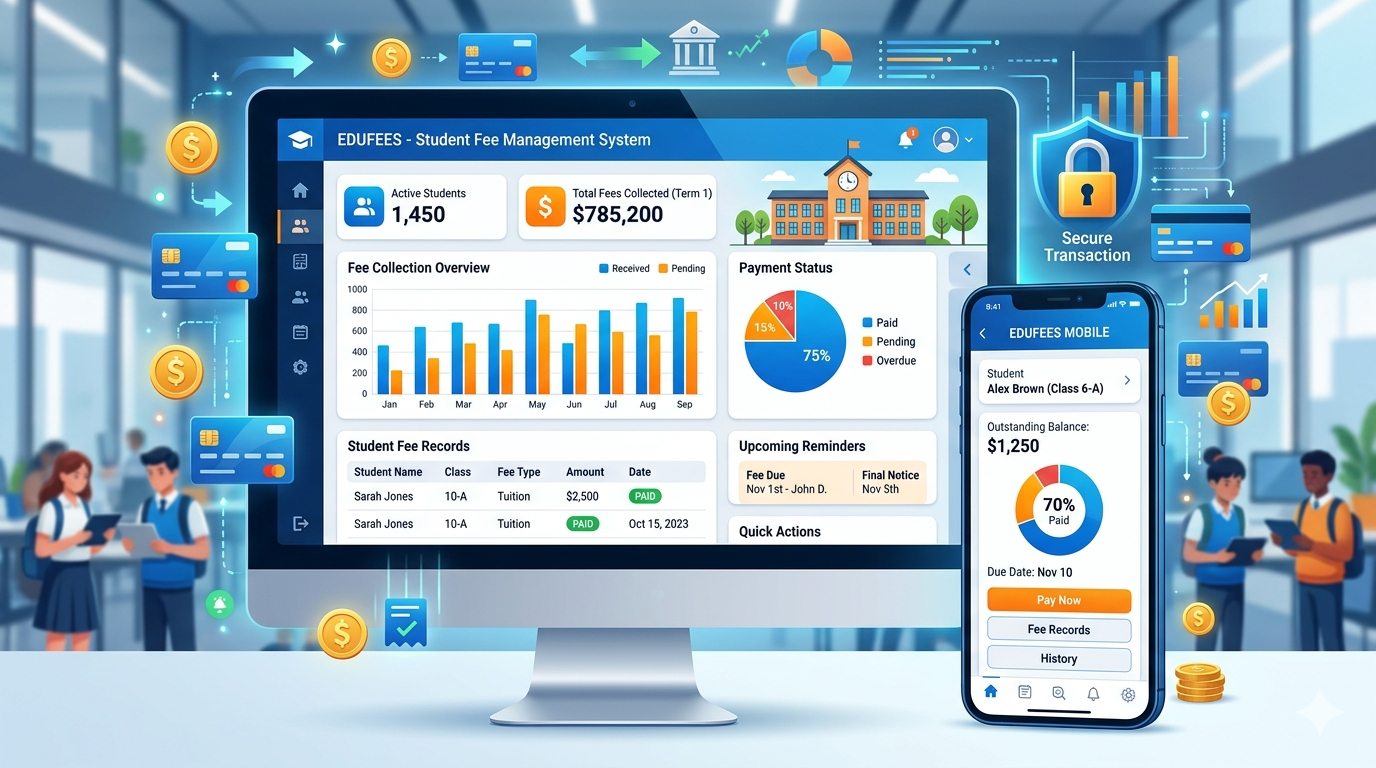
How an online fee management system actually speeds up collections: a step-by-step look
It helps to unpack the flow. Here’s a simple sequence showing how automated systems reduce friction.
- Invoice generation: System creates invoices according to fee rules (annual, term, or monthly), applying discounts and exemptions automatically.
- Delivery: Invoices are sent via email/SMS/push with a direct payment link.
- Payment processing: Parents click the link, choose a payment method, and complete payment securely.
- Confirmation: The system auto-sends receipts and updates the student account in real time.
- Reconciliation: Payments are matched with bank statements automatically or via simple reconciliation tools.
- Collections follow-up: If a payment is missed, automated reminders and escalation workflows kick in.
- Reporting: Leadership sees collection KPIs in dashboards without waiting for manual spreadsheets.
Each step cuts time and reduces scope for human mistakes. Together, they add up to a much faster and more reliable process.
Features to look for in fee collection software
When evaluating options, focus on practical features that solve real problems — not hypothetical bells and whistles.
- Multi-payment gateway support: Parents like choice. Support for cards, UPI, net banking, wallets, and even QR-based payments helps increase conversion.
- Automated invoicing & recurring billing: Essential for monthly or installment-based fees.
- Receipt automation: Instant, downloadable receipts reduce calls and disputes.
- Role-based access: Limit who can modify fees, issue refunds, or export reports.
- Custom fee heads & rules: The ability to create complex fee structures, concession rules, and scholarships.
- Parent portal & mobile app: Parents want convenience. A clean portal makes payments self-serve.
- Bank reconciliation tools: Auto-match bank statements with payments to close accounting cycles faster.
- Audit trail & logs: Track who changed what and when — useful for compliance and troubleshooting.
- Integrations & APIs: Sync with SIS, accounting software, or payroll systems to avoid double work.
- Localization: Multi-currency or regional tax (GST) support depending on your country.
I've interviewed administrators who chose systems based solely on features, only to find onboarding and support were the real differentiators. Don't underestimate vendor responsiveness when issues arise.
Common mistakes institutions make when switching to digital fee systems
Adopting a new tool has its pitfalls. Here are mistakes I've seen repeatedly, with tips to avoid them.
1. Skipping the data cleanup
Migrating messy spreadsheets into a new system just replicates problems. Before you import, standardize student IDs, correct duplicate entries, and consolidate fee heads.
2. Underestimating training needs
Even the best software fails if staff and parents don't adopt it. Run short training sessions, create cheat-sheets, and set up a support window during the first billing cycle.
3. Customizing too much, too fast
Customization is tempting, but it can delay rollouts and complicate future updates. Start with out-of-the-box workflows and gradually add changes once the basics are stable.
4. Ignoring change management
Communicate early and often. Tell parents why you're switching, show them how payments will work, and highlight benefits (fewer late fees, faster receipts). Surprises make people nervous.
5. Not planning for exceptions
Every institution has exceptions: fee waivers, disputed charges, or partial payments. Make sure your vendor supports meaningful exception workflows so admins can handle these without manual spreadsheets.
Quick ROI checklist: How to measure the impact
If you're proposing a purchase to leadership, use these metrics to quantify benefits:
- Reduction in days sales outstanding (DSO)
- Decrease in staff hours spent on fee-related tasks
- Drop in number of payment-related parent queries
- Reduction in cash handling and manual receipt errors
- Time saved in monthly bank reconciliation
For most institutions, a well-implemented system pays for itself within a year or two, mainly through time savings and reduced errors. If you want a simple exercise: track the hours your finance team spends on fee tasks today and multiply by their hourly cost. That number helps justify the investment.
Implementation roadmap — practical steps that actually work
Rolling out a new fee tracking software needn’t be painful. Here’s a pragmatic sequence I recommend:
- Define success: Identify 3–5 KPIs (e.g., DSO reduction, fewer queries) so you have clear targets.
- Pilot a single grade or center: Start small. A controlled pilot reveals issues without disrupting the whole campus.
- Clean and map data: Standardize student IDs, fee heads, and concessions before import.
- Train staff and parents: Use short videos, FAQs, and a few hands-on sessions.
- Go live at the start of a billing cycle: Reduces confusion and makes reconciliation easier.
- Monitor & iterate: Track KPIs closely for the first three cycles and refine workflows based on feedback.
One practical aside: keep a sandbox environment with your vendor. That lets you test fee changes without affecting live data — invaluable when the finance team wants to try new concession rules.
How Schezy helps (and what sets it apart)
Schezy is built specifically for schools, coaching centers, and educational संस्थाएँ that need an easy, reliable fee management system. From my conversations with school finance teams, a few features stand out:
- Simple invoicing and flexible fee rules: Set up annual, term-wise, or monthly fees with sibling discounts and scholarships in a few clicks.
- Multiple payment methods: Support for cards, UPI, net banking and wallets makes it easier for parents to pay on their preferred channel.
- Automated reminders & receipts: Cut down on follow-up calls with scheduled alerts and instant digital receipts.
- Bank reconciliation: Automated matching speeds up closings and reduces manual errors.
- Parent portal & mobile-friendly views: Parents can view statements, pay, and download receipts from their phones.
- Secure & auditable: Role-based access and payment security mean less risk and clearer audits.
What I like about Schezy is how it combines practical features with straightforward onboarding. They focus on getting the basics right — reliable payments, clear records, and good support — rather than flashy features you won’t use. You can explore Schezy and see sample workflows at their site.
Realistic timelines and expectations
Every rollout timeline varies with the size and complexity of your institution. Here’s a rough guide:
- Small institutions (up to 500 students): 2–4 weeks
- Medium institutions (500–2,000 students): 4–8 weeks
- Large institutions (2,000+ students): 8–12+ weeks
These timelines include data cleanup, pilot, training, and go-live. The biggest time sinks are data migration and handling exceptions. If your fee structure is unusually complex, add time for testing.
Common workflows & use-cases
Here are a few scenarios that show how the system simplifies everyday work:
Split payments and installments
Parents may want to pay in installments. Rather than creating manual reminders and splitting receipts, a good fee collection software handles installment schedules, late fees, and consolidated statements automatically.
Scholarships and concessions
Apply discounts consistently using rule-based concessions. No more manual edits that later require corrections or special approvals.
Multiple campuses or centers
If you manage multiple branches, you can centralize billing while giving each campus visibility into its collections. That helps finance teams compare performance and manage cash transfers.
Refunds and adjustments
Refund workflows should be auditable and straightforward. A solid system tracks approvals, reasons, and bank settlement statuses so you don’t lose money on strange adjustments.
Security and compliance: what to check
Security isn’t optional. When choosing a fee tracking software, verify these items:
- Payment security standards (PCI-DSS compliance)
- Encrypted data storage and secure backups
- Role-based access and activity logs
- Data retention and export capabilities for audits
- Support for relevant tax/compliance requirements (like GST where applicable)
Ask your vendor how they handle data breaches and what their SLAs for uptime are. You’re responsible for your families’ data; treat vendor due diligence as a priority.
Pricing models & total cost of ownership
Different vendors charge differently: per-student per-month, flat subscription, or transaction-based fees. Don’t just compare sticker prices; calculate total cost of ownership (TCO) including:
- Subscription and transaction fees
- Onboarding and customization costs
- Staff time for training and initial data cleanup
- Potential savings from reduced cash handling and manual labor
A simple spreadsheet comparing TCO against the hours saved usually makes your case to leadership clear and unambiguous.

Measuring success after go-live
Once you're live, track these KPIs over the next 3–6 months to measure impact:
- On-time payment rate
- Average days to collect
- Number of payment-related queries per month
- Time spent on reconciliation
- Percentage of payments digital vs cash
Set realistic targets and celebrate small wins. When staff see reduced workloads and parents see faster receipts, adoption momentum grows quickly.
Final thoughts — change is worth it
Switching to an online fee management system is more than a tech upgrade; it’s an operational shift that reduces manual work, improves transparency, and makes financial planning easier. There will be bumps — data cleanup, stakeholder training, and adapting exceptions — but those are manageable with a clear plan and a patient rollout.
If you’re still deciding, start with a pilot and measure the gains. In my experience, the most successful rollouts focus on communication, training, and gradual scaling rather than instant perfection.