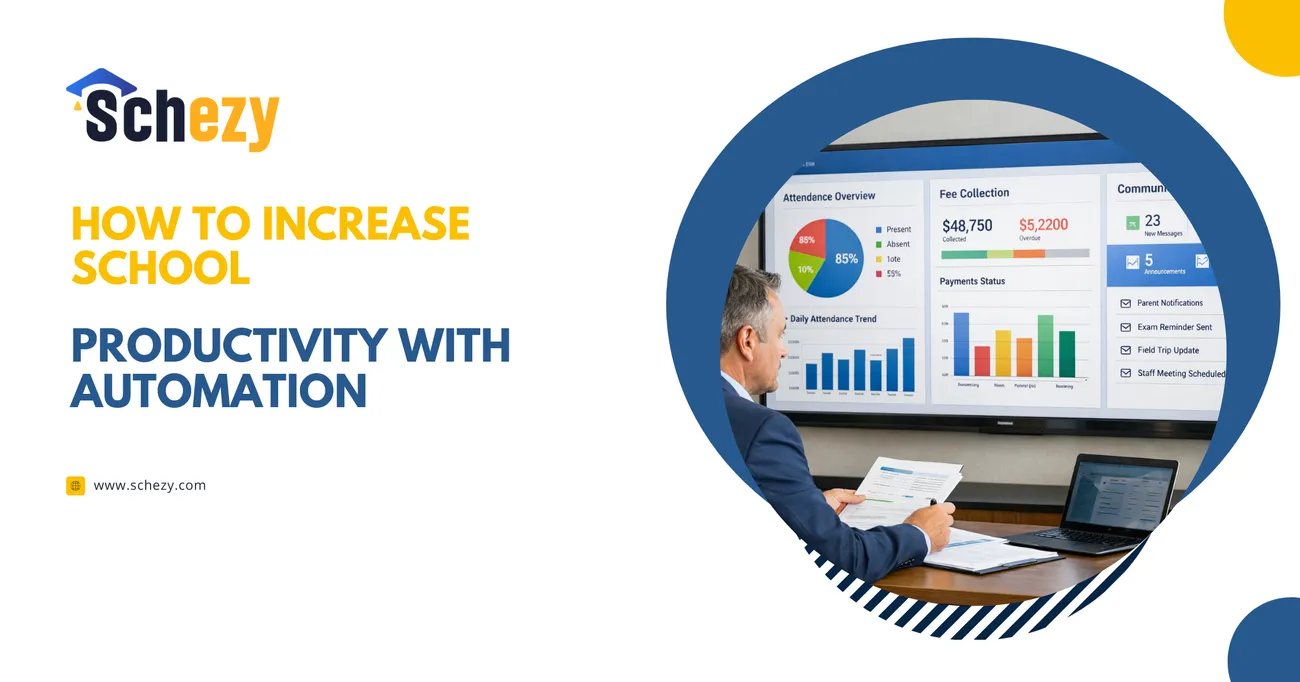
How to Increase School Productivity with Automation
This blog explains how school automation reduces manual work, improves operations, and lets staff focus on students. It argues that manual processes waste time, money, and morale and shows practical fixes for automated attendance, fee management, parent communication, reporting, timetabling, and workflows, each with benefits and common mistakes to avoid.
The purpose is a realistic implementation guide: pick priorities, fix processes before automating, choose integrated, easy-to-use software, pilot small, train users, measure KPIs, and scale. It includes vendor-evaluation tips, a feature checklist, a simple rollout roadmap, and a short case showing measurable gains. The tone is pragmatic: start small, demonstrate quick wins, and expand.
Running a school is like running a small city. You have schedules to keep, fees to collect, attendance to track, reports to file, and a long list of people who expect clear, timely communication. If you are a school owner, principal, academic director, or operations manager, you probably feel that daily pressure. I have worked with several schools, and I keep seeing the same pattern: manual tasks take too much time and attention, and they distract staff from the real work of teaching and learning.
This article shows practical, no nonsense ways to use school automation software like to reduce manual work tighten operations, and free your team to focus on students. I will walk through common pain points, explain how automation fixes them, point out usual mistakes to avoid, and give a clear implementation roadmap. Along the way, I will share simple examples and small touches that work in real schools. If you are thinking about digital transformation in schools, this is a realistic guide, not a hype piece.
Why automation matters for schools
Let me start with a blunt point. Schools that keep doing things manually lose time, money, and morale. Teachers spend hours chasing signatures. Admins spend their mornings reconciling fee payments. Parents call the office to ask about exam dates. None of this helps students succeed.
Automation is not just about replacing paper. It is about making processes repeatable, measurable, and faster. A good school management system reduces human error, speeds decision making, and gives you data you can act on. In my experience, even small automation wins have big ripple effects. Automate attendance and you get cleaner reporting and fewer disciplinary issues. Automate fee management and cash flow stabilizes. Automating notifications and parent engagement goes up.
Think of automation as a tool that helps you standardize work, not as a magic fix that will solve everything overnight. If you automate a bad process, you just get a fast bad process. That is a common mistake I see. Fix the process first, then automate it.

Top pain points caused by manual processes
Before we get into solutions, it helps to recognize where manual work causes the most pain. These are the areas where most schools see immediate gains once they adopt school administration automation.
-
Attendance tracking
Paper registers, Excel sheets, and phone calls. These methods are slow and prone to error. They also make it hard to spot patterns like chronic absenteeism.
-
Fee collection and reconciliation
Manual receipts, bank slips, and spreadsheets mean late payments get missed, and accounting becomes a monthly headache.
-
Parent communication
Notices sent home in envelopes, inconsistent phone calls, and scattered WhatsApp messages make it hard to keep a reliable communication record.
-
Report cards and compliance
Generating report cards, exam summaries, and compliance reports by hand takes staff days each term, and mistakes are common.
-
Scheduling and resource allocation
Manual timetables lead to collisions, underused classrooms, and teacher overload. Rescheduling becomes painful.
-
Administrative workflows
Approvals for leave, admissions, transfers, and maintenance requests are often paper based, slow, and impossible to track.
How automation fixes these issues
Automation does three practical things for a school. It reduces repetitive tasks. It improves accuracy. It gives you reliable data for decisions. Let us look at each pain point again and show what automation does.
Automated attendance system
An automated attendance system replaces manual registers with a consistent, real time record. Students can be marked present through biometric devices, RFID cards, or mobile apps. The result is faster, cleaner, and you get attendance trends immediately.
Practical gains
- Teachers save time every morning.
- School leaders spot chronic absenteeism earlier.
- Parents receive instant alerts if a child is absent.
Common mistakes to avoid
Don't pick technology that is hard to use. Biometric scanners are useful, but if they slow down the morning routine, you will lose adoption. A lightweight mobile app can be a better fit in many schools.
Automated fee management system
Collecting fees by hand causes reconciliation nightmares. An automated fee collection tool handles payment tracking, receipts, and overdue alerts automatically. Integrate it with online payment gateways, and you cut down on cash handling and errors.
Practical gains
- Less time spent on manual bookkeeping.
- Faster reconciliation and clearer cash flow planning.
- Automated reminders reduce late payments.
Common mistakes to avoid
Do not simply bill the same way electronically. Review fee schedules first and remove redundant line items. Automate only a clean process.
Centralized communication and parent engagement
When communication lives in a school management system, you get a single source of truth. Teachers post homework, administrators send notices, and the system logs everything. No more hunting through group chats or paper notices.
Practical gains
- Parents get timely messages, delivered via SMS, email, or app notifications.
- Teachers share announcements without duplicating effort.
- Administration can track who received and read notices.
Common mistakes to avoid
People often over-message. Too many notifications cause fatigue, and important messages get ignored. Define notification rules and stick to them.
Automated reporting and compliance
Generating reports by hand wastes admin hours each term. A school ERP software can produce exam results, attendance analytics, and regulatory reports at the click of a button. That frees staff to analyze results and recommend interventions.
Practical gains
- Faster report generation.
- Better accuracy and fewer transcription errors.
- Useful dashboards for leaders to make decisions.
Common mistakes to avoid
Reports are only valuable if people use them. Train leaders to read dashboards and act on insights. Otherwise, the data sits unused.
Timetable automation and resource management
A school schedule created manually is fragile. Automated scheduling tools consider teacher availability, subject constraints, and room capacity. They reduce clashes and help you use every classroom efficiently.
Practical gains
- Fewer timetable clashes, fewer last minute changes.
- Optimized use of rooms and resources.
- Faster handling of teacher leave or substitution.
Common mistakes to avoid
Neglecting the human side. Teachers do not always trust an automatic schedule. Build in a simple override process and make sure teachers can request changes easily.
What to expect after automation
I always tell school leaders to expect gradual gains. You will not see a 100 percent transformation in a week. Instead, expect steady improvements over the months. Here are typical benefits that show up when automation is done right.
- Time savings: Teachers and admin staff reclaim hours each week that can be put back into students.
- Fewer mistakes. Automation reduces manual entry errors and missed tasks.
- Better cash flow. Automated fee management reduces late payments and improves forecasting.
- Stronger parent trust. Timely communications and clear records improve parent satisfaction.
- Data driven decisions. Access to reliable metrics helps you act early on attendance and performance issues.
One simple example. A school I worked with switched to an automated attendance system and a parent notification workflow. Within a month, they cut unexplained absences by 50 percent because parents were alerted the same day. That was a small change with a big impact.
How to choose the right school automation software
Picking the right tool matters. There are many school management systems out there, and not all fit your context. Here is how I evaluate options when working with schools.If you want a clear breakdown of plans and feature access, review the before making a final decision
-
Start with the process
List your top manual pain points. Which tasks swallow most hours? Turn those into must have features. If attendance and fee collection are your biggest drains, prioritize systems with a strong automated attendance system and automated fee management features.
-
Look for an integrated school ERP software
You want a platform that connects attendance, fees, communication, and reporting. A single system reduces data silos and avoids repeated data entry.
-
Prioritize ease of use
Teachers and staff need something simple. If the interface is confusing, adoption will fail. Ask for demos and pilot it with a small user group.
-
Check for essential integrations
Make sure the software supports your payment gateway, LMS, and SMS or email providers. Integration reduces manual handoffs.
-
Security and compliance
Student data is sensitive. Confirm the vendor follows basic data protection practices and offers role based access controls.
-
Vendor support and training
Good onboarding and ongoing support are often more valuable than extra features. Ask about training resources and response times.
-
Scalability and price transparency
Choose a product that scales with your student numbers and is clear about licensing and variable costs.
Simple implementation roadmap
Rolling out school automation is less about the technology and more about people. Here is a practical rollout plan I use with schools. It keeps risk low and builds confidence.
-
Define goals and quick wins
Set clear, measurable goals. Examples could be reducing time spent on fee reconciliation by 60 percent or reducing unexplained absences by 40 percent. Pick quick wins where automation will show value in 4 to 8 weeks.
-
Map current processes
Document how tasks are done now. You will likely find steps that add no value. Tidy the process before automating it. This avoids automating broken workflows.
-
Run a small pilot
Start with one grade or department. Pilots reveal hidden problems and build internal champions who will help others adopt the system.
-
Train and support
Schedule hands on training. Offer quick reference guides and a support channel for questions. In my experience, a short refresher after two weeks is very helpful.
-
Measure and iterate
Track your KPIs and collect feedback. If a workflow still causes friction, change it. Automation should make work easier, not create new problems.
-
Scale up
Once the pilot succeeds, roll out school wide in phases. Use champion users to support peers and keep communications clear.
Common pitfalls and how to avoid them
Even with the right software, projects can stall. Here are common pitfalls I see and simple ways to avoid them.
-
Automating a bad process
Fix the process first. Map steps, remove unnecessary approvals, and then automate.
-
Underestimating training needs
People need time and practice. Build training into your schedule and give users time to adjust.
-
Ignoring data quality
Automation is only as good as your data. Clean up student, fee, and timetable records before migration.
-
Poor change management
Communicate early and often. Explain benefits to staff and parents and show small wins regularly.
-
Choosing too many features at once
Start with core modules like attendance and fees, then add more. That keeps costs predictable and adoption higher.
Measuring ROI and showing value
School leaders need to justify investments. Work out simple metrics to track. These will help you show impact and keep momentum.
Example KPIs
- Reduction in hours spent on administrative tasks per week
- Decrease in late fee payments and increase in on time collections
- Reduction in unexplained absences
- Time to generate term reports
- Parent satisfaction as measured in quick surveys
Make the math simple. If automation saves staff 10 hours a week in a 40 week year, multiply that by the hourly cost of the staff to get a rough annual saving. Add in reduced error costs and improved cash flow to complete the picture.
Realistic feature checklist for school decision makers
If you want to evaluate school automation software quickly, here is a checklist I use. It keeps the focus on value rather than bells and whistles.
- Automated attendance system with multiple capture options: app, RFID, or biometric
- Automated fee management system with online payments and overdue reminders
- Centralized communication tools: notifications, SMS, and email logging
- Integrated school ERP software: student records, admissions, and staff management
- Report generation and dashboards for attendance and academic performance
- Timetable automation and resource management
- Workflow automation for approvals and requests
- Role based access control and basic data protection
- Mobile apps for teachers and parents
- Clear pricing and reliable vendor support
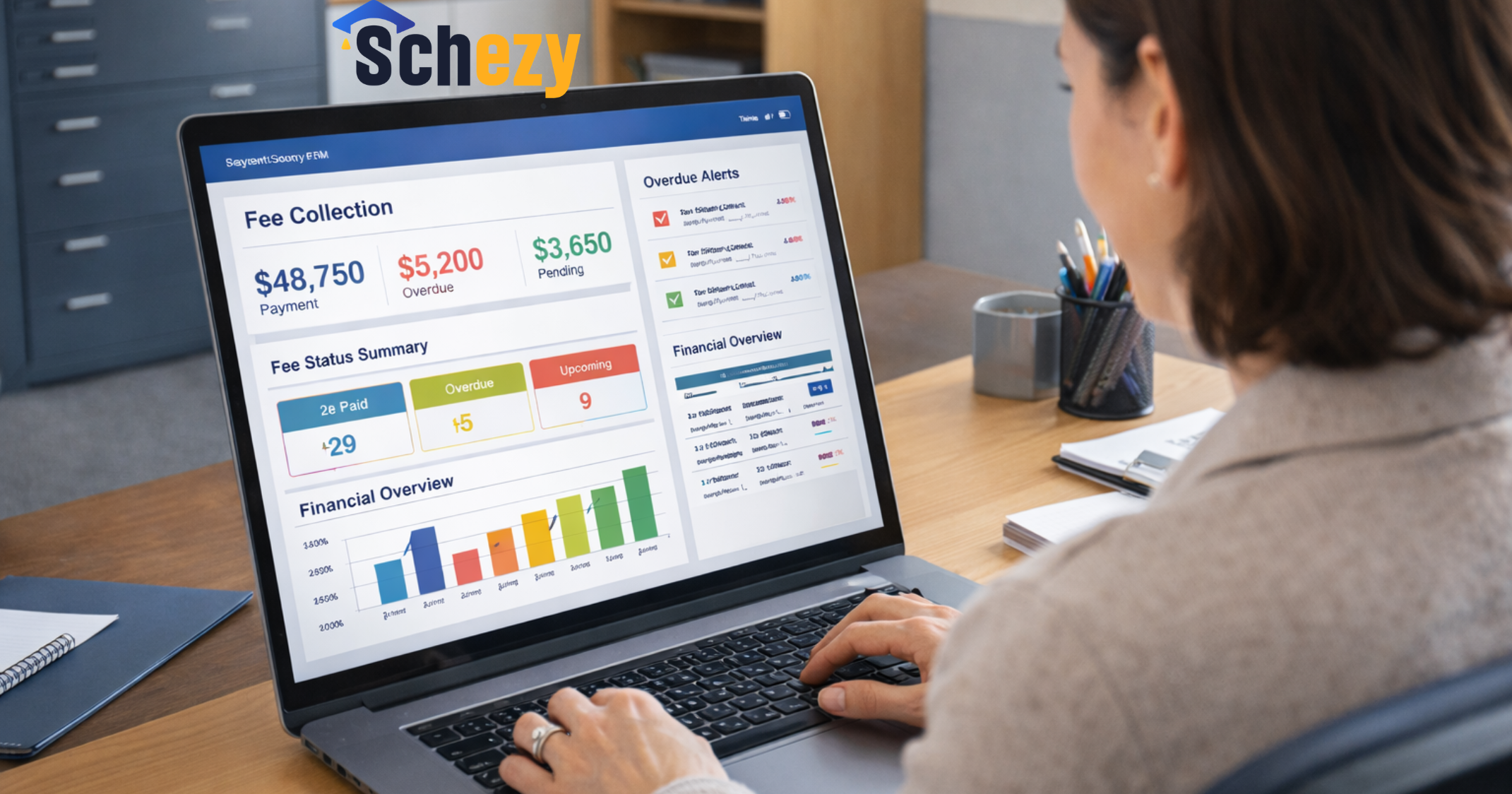
Case snapshot: Small wins with big effects
I want to share a short example that is easy to relate to. A mid sized K12 school started with two problems: daily attendance took 20 minutes, and fee reconciliation took three people two days each month. They adopted a school ERP software that included an automated attendance system and an automated fee management system.
Within six weeks, teachers were marking attendance on mobile devices. Parents got instant absence alerts. Attendance data fed into dashboards that showed patterns by class and grade. Meanwhile, fees moved to an online portal, and automatic reminders handled late payments.
Outcomes after three months
- Attendance processing time fell from 20 minutes to 3 minutes per class.
- Fee reconciliation time went from two days per month to a few hours.
- Administrative staff were reassigned to parent engagement and student welfare tasks.
- Parents reported higher satisfaction in a short survey.
It was not a dramatic tech spectacle. The school began with one honest goal: reduce wasted admin time. The automation gave them that win and more. Small changes, well executed, make a big difference.
Choosing a technology partner
When you look for a vendor, consider them a partner. You will need support, updates, and training. Ask these questions when you evaluate potential partners.
- Do they understand schools and K12 workflows?
- Can they show references from similar schools?
- How do they handle data security and backups?
- What training and onboarding do they offer?
- How do they price their software, and what extra costs might appear later?
Schezy is a partner who focuses on practical school automation. Their platform includes core modules that schools need: attendance, fee management, communication, and workflow automation. If you want a starting point that is built for schools, they are a realistic option to evaluate. I have seen schools move from fragmented systems to a single school management system, and the efficiency improvements are clear. If you want to discuss your school’s specific workflow challenges, you can directly reach out through the
Quick checklist to get started this term
If you want to start right away, here is a short checklist. It keeps the first steps small and achievable.
- Pick one manual pain point to solve this term. Attendance or fees are good choices.
- Document the current process and a clear desired state for that task.
- Ask three vendors for demos focusing on your problem. Use the checklist above to compare.
- Run a pilot for one grade or department for 4 to 8 weeks.
- Measure outcomes and gather feedback before wider rollout.
Frequently Asked Questions
1. How does school automation improve productivity?
School automation reduces repetitive administrative tasks like attendance tracking, fee collection, reporting, and communication. This saves staff time, reduces errors, and allows leadership to focus on academic improvement.
2. What features should a school automation system include?
A good system should include automated attendance, fee management, communication tools, reporting dashboards, timetable management, and secure role-based access control.
3. Is school ERP software suitable for small schools?
Yes. Even small schools benefit from automation. Starting with core modules like attendance and fee management can significantly reduce manual workload and improve operational efficiency.
Final thoughts
If you are thinking about digital transformation in schools, remember this: aim for practical wins. Automation is most powerful when it reduces repetitive work and improves decision making. Start small, fix the process first, and involve your people. That way, the technology becomes a tool that helps teachers, administrators, and parents, not an extra burden.
I have noticed that schools that take a pragmatic approach succeed faster. They pick clear targets, measure results, and show quick wins to build trust. You do not need to automate everything at once. Focus on the biggest bottlenecks and expand from there.
If you are ready to see what school workflow automation can do for your institution, start with a pilot. The right school automation software will save time, reduce errors, and improve parent engagement. It will also free your staff to do what they do best, teach and support students.
Helpful Links and Next Steps
If you want to talk about how automation could work in your school, book a Meeting Today, and we can walk through a practical plan together.