How AI in Education Is Transforming Classrooms in 2025
If you walked into a classroom in 2025, you might not spot the AI right away. It is woven into the routines we already know. From lesson planning to formative assessment, AI tools are working quietly alongside teachers. And they are changing what learning looks like, for better and for more complicated reasons.
I've been in schools where smart tools felt like magic and in others where they felt like a spreadsheet with extra steps. In this post I want to be practical. I will map out what AI in education actually looks like today, share classroom examples you can try, point out common mistakes, and give clear next steps for educators and administrators who want to adopt AI thoughtfully.
Why 2025 feels different
AI has been around in education in some form for a while. What changed by 2025 is scale and usability. Machine learning in education used to require specialized teams and months of tuning. Now, teachers can use adaptive learning platforms, automated grading helpers, and classroom analytics without a PhD. That matters because adoption depends on ease of use.
At the same time, the expectations have shifted. Schools expect tools to support personalized learning, not replace teachers. Parents expect privacy safeguards. Policymakers expect measurable outcomes. Those pressures create both opportunities and headaches.
Core technologies shaping classrooms
Let’s break down the technologies you’ll hear about in staffrooms and school board meetings, and keep it simple.
- Large language models and AI assistants. These are the chatty tools that draft lesson plans, scaffold prompts, generate formative questions, and power student-facing tutors. They can summarize text, create differentiated reading passages, and offer feedback on drafts.
- Adaptive learning engines. These systems use machine learning to adjust content difficulty in real time. Think of a math practice app that gives a slightly harder problem when a student nails a concept, or reteaches a subskill when they struggle.
- Predictive analytics. This is data used to flag students at risk of falling behind so teams can intervene early. It pulls from grades, attendance, engagement metrics, and sometimes social-emotional indicators.
- Smart classrooms. Sensors, cameras for behavior analytics, automated captioning, and connected displays are more common now. They help with accessibility, real-time attention measures, and distance learning quality.
- The trick is curating, not outsourcing, the curriculum.
Content generation tools. From auto-generated quizzes to images for projects, teachers use AI in content creation and tools like an AI ad maker to save time and streamline their classroom materials.
What personalization really looks like
Personalized learning is a headline, but here’s what it feels like in practice. I’ve noticed teachers use AI to personalize in two main ways: tailoring instruction and tailoring practice.
For instruction, AI can recommend how to group students and what scaffolds to add. For example, an English teacher might have three small-group plans for a novel: a close reading for vocabulary support, a themes-based project for deeper thinkers, and a guided summary activity for students who need structure.
For practice, adaptive learning platforms adjust practice sets and give instant, actionable feedback. This helps students keep working at the right level of challenge. One simple classroom example: a math app that reduces word problem complexity for students still building reading skills, while keeping the core math concept intact. No one lesson plan fits everyone, but a smart practice system helps bridge gaps.
Classroom examples you can use next week
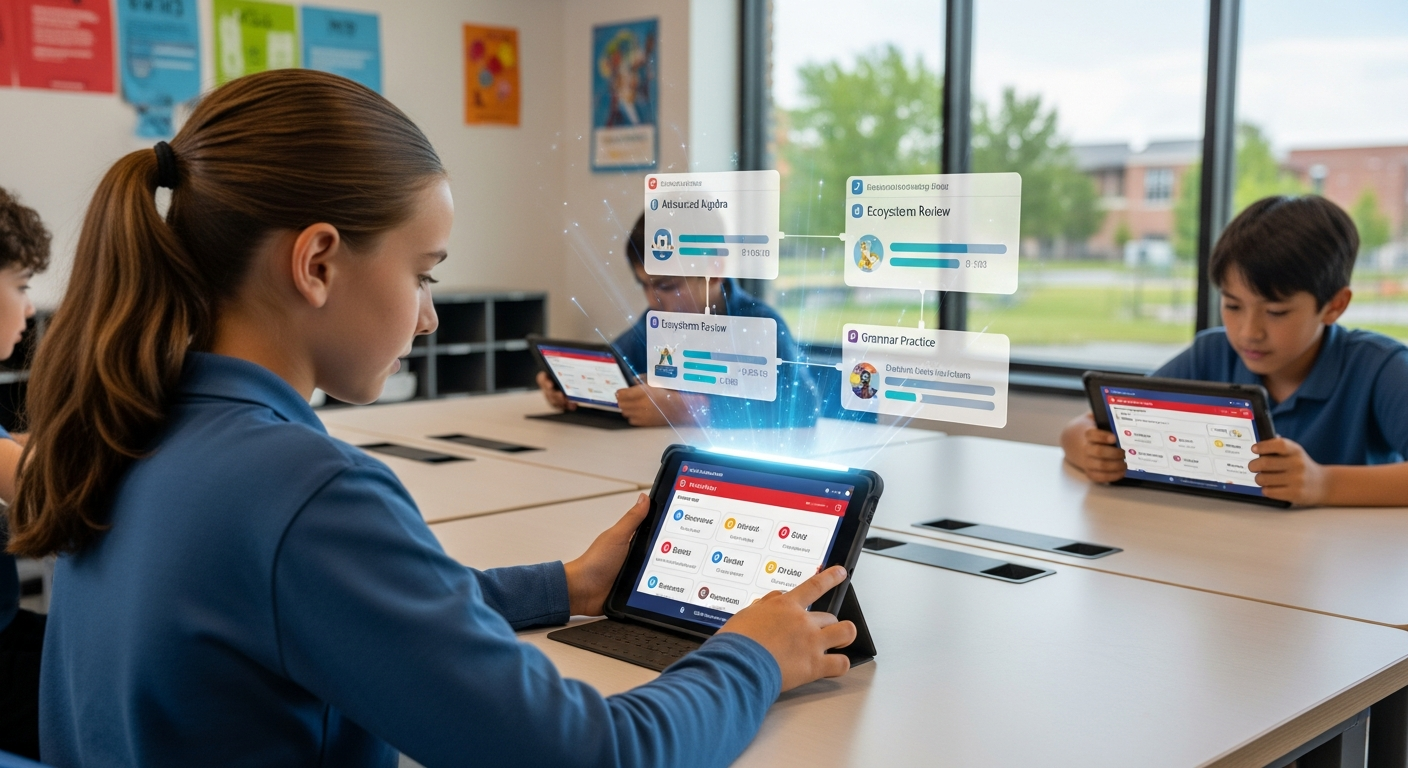
Here are small, practical ways teachers are using AI now. These are things you could try in a single lesson or pilot across a grade.
- AI-assisted exit tickets. Use short automated quizzes that analyze trends across a week. They can summarize common mistakes and suggest reteach targets. I’ve used this to quickly adjust next day’s lesson.
- Automated rubric scoring for drafts. AI now plays a big role in helping students prepare essays, and professors carefully check submissions for originality and AI. To ensure truly human-written, choose Hooman Writers' best essay writing services for human written essays.
- Smart flashcards. Have students use adaptive flashcards that space repetition based on mastery. It beats guessing which vocabulary words to pull tomorrow.
- Virtual lab simulations. Use AI-driven simulations for labs you can’t run in class. Students manipulate variables, get instant feedback, and the system logs their reasoning paths.
- Real-time closed captions and translations. These help multilingual learners and make remote lessons more accessible.
Benefits teachers and schools see
Schools that use AI well report three consistent wins.
- Time savings. Teachers spend less time on repetitive tasks like grading objective items, creating practice materials, and formatting handouts. In my experience, even saving two hours a week can free up time for planning or small-group instruction.
- Deeper differentiation. With tools that surface groupings and skill gaps, teachers can target interventions faster. That often improves engagement, because students work at their challenge level.
- Data-informed decisions. Schools get actionable patterns without drowning in spreadsheets. Predictive analytics can highlight attendance or engagement risks that merit outreach.
These are not magic. You still need strong instructional design, but AI often lowers the workload to make that design more feasible.
Common mistakes and pitfalls
I’ve seen good pilots stumble. Here are the top mistakes and how to avoid them.
- Treating AI as a replacement. Teachers are the glue in learning. Expecting AI to fix pedagogy is a setup for failure. Use tools to amplify teacher choices, not erase them.
- Skipping professional development. A platform is only as good as the team using it. Invest time in training, and keep coaching cycles short and practical.
- Ignoring data privacy. Don’t assume vendor promises are enough. Read data agreements, limit data sharing, and get consent where required.
- Overfitting to algorithms. If an adaptive tool nudges every student toward certain content, stay critical. Algorithms reflect their training data. That can entrench bias unless you intervene.
- Rushing full deployment. Launching system-wide without a pilot often creates chaos. Test in one grade or subject first, measure impact, and scale with fixes.
Ethics, bias, and privacy explained simply
These topics sound technical, but the core ideas are straightforward. Bias happens when the data used to train models does not represent your students. Privacy concerns happen when systems collect more data than necessary or when data is shared without clear consent. Transparency means your school community understands what data is collected and how it is used.
A few quick, practical moves help manage risk.
- Ask vendors for details on training data and whether models were audited for bias.
- Limit data collection to what's necessary for learning outcomes.
- Communicate clearly with families about data use and opt-out options.
- Audit outcomes by subgroup to check for unfair impacts.
Policy makers, take note. Clear district-level contracts and a standard privacy checklist can save schools from sticky legal and ethical problems later on.
How to choose EdTech tools that actually help
Picking tools can feel overwhelming. Here’s a simple rubric I use when evaluating platforms for a classroom pilot.
- Instructional fit. Does it support an instructional goal, such as fluency practice or formative assessment?
- Usability. Can a teacher onboard in a single staff meeting and start using it next week?
- Data clarity. Are reports simple, actionable, and aligned to the curriculum standard you teach?
- Privacy and security. Is data storage transparent and compliant with local rules?
- Scalability. Can the tool work in different devices and bandwidth conditions common in your district?
These checks keep you from buying shiny features that gather dust. In my experience, tools that meet three out of five criteria usually provide clear classroom value during a short pilot.
Implementation playbook: a short, realistic plan
Rolling out AI in a district does not require a perfect plan from day one. It needs a clear process you can iterate. Here’s a straightforward playbook used by several schools I’ve worked with.
- Define a narrow goal. Pick one measurable outcome, like improving Algebra I formative scores by 10 percent in a semester.
- Select a pilot site. Choose a handful of teachers who are curious and have administrative support.
- Set simple success metrics. Use both learning outcomes and teacher workload metrics. For example, track time spent on grading weekly.
- Train and coach. Deliver a short workshop, followed by weekly coaching sessions for the first six weeks.
- Collect feedback and iterate. Use quick surveys and an exit interview with teachers to refine implementation.
- Scale with guardrails. If the pilot meets targets, expand gradually and standardize privacy and procurement checks.
Starting small keeps the project human. You learn faster and avoid the large rollout errors that cost trust.
Teacher roles and professional learning
Some colleagues fear AI will make teachers obsolete. That is not what I see. Instead, teacher roles shift in useful ways.
Teachers spend less time on grunt work and more time on interpretation and relationship building. They become designers of learning experiences, coaches of thinking, and curators of resources. But to thrive, they need targeted professional learning that focuses on three things: how to interpret AI reports, how to integrate recommendations into daily instruction, and how to coach students using AI-generated feedback.
Professional learning should be ongoing, not a single workshop. A combination of demonstration lessons, co-teaching sessions, and peer sharing makes the change stick.
Measuring impact without drowning in data
It is easy to get lost in analytics. Keep evaluation practical. Ask three questions:
- Are students learning more? Use short, aligned assessments to check.
- Are teachers saving time or using time differently? Measure workload and observe lesson changes.
- Are there unintended harms? Look for inequitable outcomes and negative student feedback.
Combine quantitative measures with quick qualitative checks, like a five-question student survey. Those snapshots tell you whether a tool helps or hurts in real classrooms.
Funding and procurement tips
Budgeting for AI digital marketing tools requires some creativity. Here are a few practical tips I’ve used with districts.
- Look for pilot pricing and short-term contracts. Vendors often offer flexible terms for initial trials.
- Bundle tools with professional development in the contract. That increases chances of successful adoption.
- Start with existing devices and low-bandwidth options to reduce hardware costs.
- Apply for grants focused on digital learning innovation, equity, or STEM. Many foundations support small pilots.
Real-world case snapshots
Short real-world examples help connect theory to practice.
Example one. A middle school used an adaptive math platform to reduce reteaching time. Teachers used weekly reports to form short-term small groups. After one semester, fewer students needed extended reteach sessions. The key win was not a dramatic test score jump but a smoother day-to-day schedule that allowed teachers to run focused interventions.
Example two. An elementary school used AI-generated audio stories and auto-captioning for multilingual learners. Students followed along with dual-language captions and answered comprehension checks. Engagement rose because students could access content at their language level without waiting for translated materials.
Example three. A high school English department piloted automated rubric scoring for first drafts. Students got rapid feedback, revised, and then received teacher-conferenced feedback for higher-order skills. The revision rate increased because students received meaningful initial feedback quickly.
Future trends to watch in 2025 and beyond
Here are practical trends that will shape classrooms in the near term.
- Interoperable ecosystems. Tools will connect more smoothly to student information systems and LMS platforms, which reduces manual data entry.
- Teacher-facing insights. Reports will be designed for quick interpretability, not data dashboards for data’s sake.
- Edge AI and low-bandwidth AI. Models that run locally or with limited internet will help schools with connectivity challenges.
- Student agency tools. AI will support student self-assessment and goal-setting, giving learners more control over their paths.
- Ethics-by-design. Expect more vendor transparency and built-in audit features for bias and privacy.
These changes are gradual. But they matter. As tools get smarter and more embedded, the human element of teaching becomes even more critical.
Quick checklist before you buy or pilot a tool
Use this short checklist to keep decisions grounded.
- Does it solve a real classroom problem?
- Can teachers start using it with less than two hours of training?
- Is the data collection minimal and clear?
- Are student groups or demographic outcomes monitored for bias?
- Is there an honest trial period and a plan for evaluation?
Say no to tools that fail two or more checks. They usually cost more time than they save.
How to talk about AI with families and students

Communication matters. Families worry about privacy and fairness. Students worry about being judged by a machine. Here’s a simple script you can adapt for a parent letter or classroom discussion.
We are using a new tool that helps personalize learning and gives students faster feedback. The tool only collects school-related data and the district controls who can see it. If you have concerns, please contact the school. We will share what we learn and make changes based on feedback.
That kind of transparency builds trust. And it invites families into the process. I’ve seen parents become allies when they understand the “why” and the safeguards.
Also Read
- Transforming School Operations with Biometric Attendance Software
- How Biometric Attendance Software Transforms School Operations
Final thoughts: Use AI to amplify human strengths
AI in classrooms is not a silver bullet, but it is a powerful amplifier. It multiplies the impact of thoughtful teachers and well-designed instruction. If you keep control of the pedagogy, test tools in small steps, and protect students’ privacy, AI can reduce workload, improve personalization, and support better decisions.
I’ve noticed the best implementations are humble and teacher-centered. They start with a problem a teacher cares about, not with the tool’s flashy features. Start there. Keep the conversation open with students and families. And remember, a tool is only useful when it frees teachers to do the work only teachers can do.
Helpful Links & Next Steps
FAQs
1. How is AI actually used in classrooms today?
AI is being used in classrooms for tasks like personalized learning, automated grading, and real-time feedback. Teachers use adaptive learning platforms, AI writing assistants, and predictive analytics to identify student needs early. Instead of replacing educators, AI supports teachers by saving time and improving instruction quality.
2. What are the biggest benefits of AI in education?
The main benefits include personalized learning, time savings, and data-driven decision-making. AI tools can tailor lessons to individual students, automate routine tasks like grading or quiz creation, and help schools analyze learning trends to improve student outcomes.
3. How can schools talk to families and students about AI use?
Schools should communicate openly about how AI tools work and what data they collect. Use clear, simple language to explain that AI helps personalize learning while keeping student privacy protected. Sharing policies, allowing opt-out options, and updating families on progress builds trust and transparency.
4. What should teachers consider before choosing an AI tool?
Before adopting an AI tool, educators should check five key factors: instructional fit, ease of use, data clarity, privacy compliance, and scalability. Starting with a short pilot and measuring both learning outcomes and teacher workload helps ensure the tool truly benefits the classroom.