Transforming School Operations with Biometric Attendance Software
Attendance is simple in theory and messy in practice. Anyone who has run a school office knows the drill: paper sheets, manual tallying, substitute teacher check-ins, and the inevitable disputes about who was late. Over the last few years, biometric attendance software has moved from a novelty to a practical tool that can cut those headaches. In my experience, it changes the day-to-day life of administrators, teachers, and IT teams in ways that often surprise them.
This post walks through how biometric systems reshape school operations, what to watch out for, and how to choose and implement the right solution. I’ll share real-world examples, common mistakes I’ve seen, and practical tips for getting the most out of student management software and school automation tools. If you’re a principal, an IT coordinator, or a policymaker thinking about modernizing attendance, this is for you.
Why attendance matters beyond numbers
We often treat attendance as a compliance item. Take roll, export a spreadsheet, file it away. But attendance is also an early warning system. Chronic absenteeism predicts lower achievement and higher dropout rates. Accurate attendance data powers interventions, supports funding claims, and helps with resource planning. When attendance tracking is slow or error prone, the whole ecosystem of student support suffers.
I’ve noticed that schools with reliable attendance tracking identify at-risk students earlier. That simple change can alter a student’s trajectory.
What biometric attendance software actually does
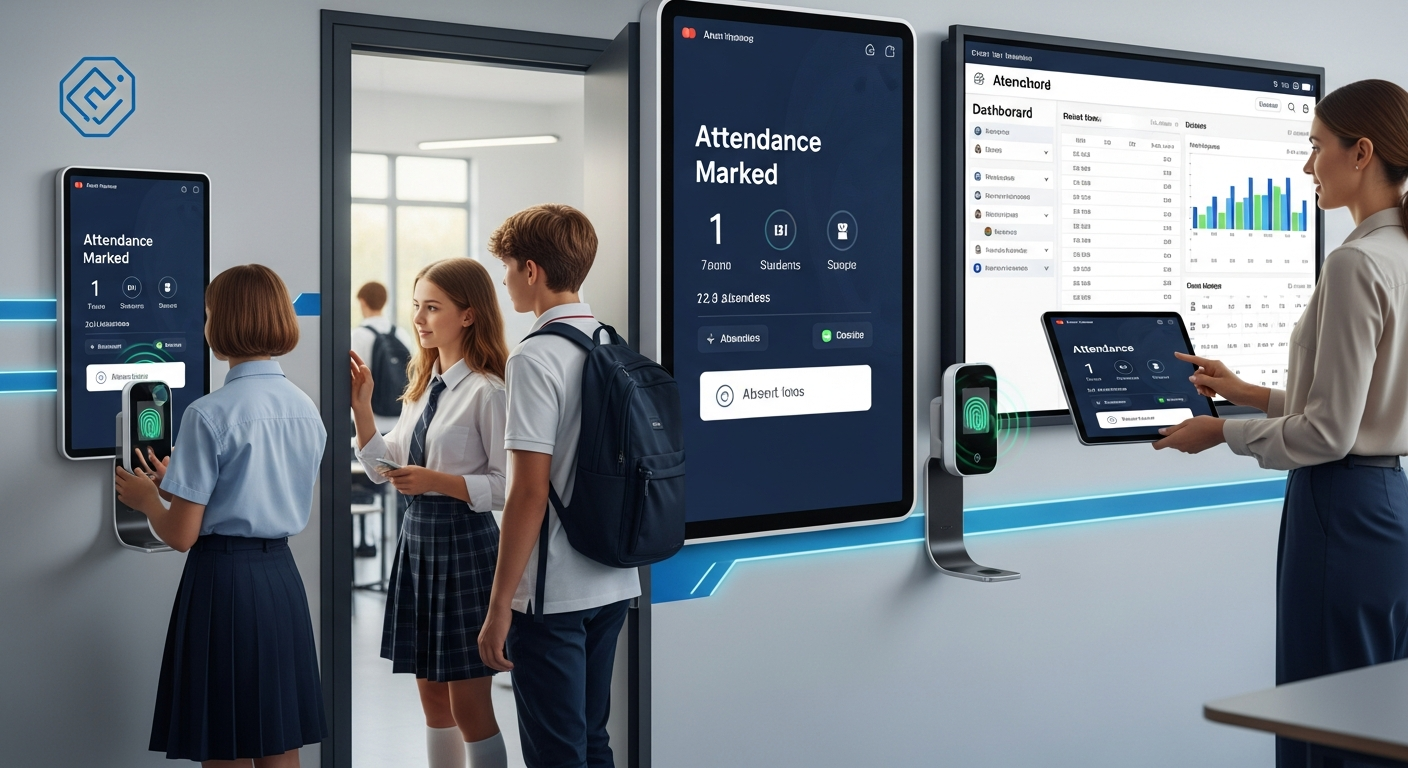
At its core, a biometric attendance system uses unique physical traits to verify identity. Fingerprint attendance is the most common in schools because it is cost effective and fast. Some districts also use facial recognition or iris scanning, but those are less common because of cost and privacy concerns.
Here’s what the technology typically provides:
- Fast, accurate check-in and check-out for students and staff.
- Automated logging into a central school attendance tracking system.
- Instant reports and dashboards for administrators.
- Integration with student management software for grades, billing, and transport.
- Notifications to parents and guardians about arrivals or absences.
Imagine a line of students who spend 30 seconds each signing an attendance sheet. Now picture those same students passing by a fingerprint terminal in 5 seconds. The time savings add up fast.
Top benefits for school operations
Biometric systems are not just about novelty. They deliver measurable improvements across several operational areas.
1. Accuracy and integrity
Fingerprint attendance removes the proxy problem. Students cannot sign in for each other easily. That means cleaner attendance records, fewer disputes, and a stronger foundation for analytics.
In my experience, schools that move to biometrics see a noticeable drop in false attendance entries in the first month. That alone justifies the switch for many administrators.
2. Time savings for staff
Office staff spend less time correcting rolls and chasing down signatures. Teachers reclaim minutes every class period because they do not have to call the register manually or fight with slow systems. It may sound small, but reclaimed time becomes time for instruction and student support.
3. Better reporting and compliance
Modern biometric systems feed directly into school attendance tracking platforms and student management software. You get real-time dashboards, historical trends, and automated exports for district reporting. Audits are easier, and compliance with attendance policies becomes simpler.
4. Faster response to attendance issues
If a student is absent frequently, the system can trigger an alert. With accurate data, counselors and administrators can intervene early. That improves outcomes and reduces the need for emergency measures later on.
5. Safety and security
Knowing who is in the building and when matters. Biometric logs can support visitor checks and emergency roll calls. When combined with access control, they make it easier to secure sensitive areas like labs and administrative offices.
6. Integration with school automation tools
Good biometric attendance solutions do not exist in a silo. They link to student information systems, lunch programs, transportation modules, and learning management systems. That reduces double entry and keeps data consistent across platforms.
Common myths and realistic expectations
There are a lot of assumptions floating around about biometrics. Let’s clear some of them up.
- Myth: Biometrics are 100 percent foolproof. Reality: No system is perfect. Sensors can fail, and human behavior can create exceptions. Expect occasional false rejects and plan for fallbacks.
- Myth: Biometrics invade privacy. Reality: Privacy concerns are real, but they can be managed. Most vendors store encrypted templates, not images. Policies, consent forms, and local regulations guide acceptable use.
- Myth: Implementation is plug and play. Reality: Successful rollouts require planning, training, and change management. A rushed deployment causes frustration and low adoption.
I recommend treating biometric deployment like any other technology project. Pilot small, gather feedback, and iterate.
Privacy, security, and legal considerations
Privacy is the major conversation point when anyone mentions biometrics. Parents, unions, and policymakers ask good questions. You should be ready with clear answers.
First, how the system stores data matters. A compliant biometric attendance system stores templates, not raw images. Templates are mathematical representations that cannot be reversed to reconstruct a fingerprint. Encryption at rest and in transit is essential.
Second, get legal clarity. Regulations vary by region. In some places, explicit parental consent is required. In others, certain biometric modalities may be restricted. Work with legal counsel and your data protection officer.
Third, be transparent. Publish a short privacy notice that explains what is collected, why, how it is protected, and how long it is retained. Address common concerns up front. People appreciate clarity.
How to choose the right biometric solution
Choosing a vendor is more than comparing specs. You are buying a partnership for the next five to ten years. Here are practical criteria that matter.
1. Compatibility with your student management software
Make sure the system integrates smoothly with your existing student information system. If you must export CSV files manually, you lose much of the benefit. Look for API support and existing plugins.
2. Ease of use and maintenance
Fingerprints that fail 20 percent of the time will frustrate staff. Prioritize devices with proven reliability, simple calibration, and easy firmware updates. Ask about local support options and replacement parts.
3. Deployment model
Decide between on-premise and cloud-hosted solutions. On-premise may appeal to districts with strict data control policies. Cloud systems reduce on-site IT overhead and usually provide faster updates. Think about your network capacity and backup plans.
4. Cost and ROI
Initial hardware costs get most attention, but remember software licenses, installation, training, and maintenance. Build a simple ROI model. Include time savings for staff, reduced paperwork, and better funding accuracy. Schools I’ve worked with recoup costs in a few years when they account for staff time and administrative overhead.
5. Scalability
Plan for growth. Will the solution handle your entire district? Can it add new schools without a major rework? Ask vendors for references from similar-sized deployments.
6. Vendor reputation and customer support
Request case studies and call existing customers. Talk to IT teams at those schools. Support responsiveness matters in a live environment when a terminal stops working on a Monday morning.
Implementation checklist: a practical rollout plan
Here is a checklist I’ve used when advising schools. It keeps the rollout realistic and people-centered.
- Start with a pilot. Pick 1-2 buildings and a small testing window.
- Get stakeholder buy-in. Talk to teachers, union reps, parents, and the board early.
- Create a privacy notice and consent process if required.
- Map network and power requirements for each device location.
- Set up a fallback process for power outages or device failures.
- Train office staff first, then teachers and bus drivers if needed.
- Schedule data integrations and test transfers to student management software.
- Monitor and adjust settings for the first 6 to 8 weeks.
- Collect feedback and iterate before scaling district-wide.
A pilot keeps costs contained and surfaces real-life edge cases you would not see on paper.
Common mistakes and how to avoid them
I’ve seen the same pitfalls in multiple school rollouts. Here’s how to sidestep them.
- Skipping stakeholder communication. People resist what they do not understand. Hold short demos and Q&A sessions.
- Underestimating network needs. Biometric terminals may sit on the edge of your network. Budget for switches, PoE, and VLANs if necessary.
- Forgetting a fallback process. Power failure or network issues will happen. Keep a simple manual check-in that staff know how to use.
- Choosing the wrong modality for your population. Fingerprint scanners may struggle with very young students or manual laborers with worn prints. Test with all age groups.
- Neglecting staff training. A great system fails if users do not know how to handle errors. Include hands-on practice in training sessions.
Technical tips for IT coordinators
If you manage the network, here are some technical pointers to make maintenance easier.
- Use static IPs or DHCP reservations for terminals. It simplifies remote troubleshooting.
- Set up monitoring and alerts for device offline events. A single terminal outage can cascade into long queues.
- Segment biometric devices on a dedicated VLAN. That improves security and allows you to prioritize traffic.
- Plan for power. If terminals handle critical functions, consider small UPS units to bridge short outages.
- Automate backups of attendance logs and configuration settings. Vendors often provide synchronisation tools, but verify backups regularly.
How biometric attendance supports broader school automation
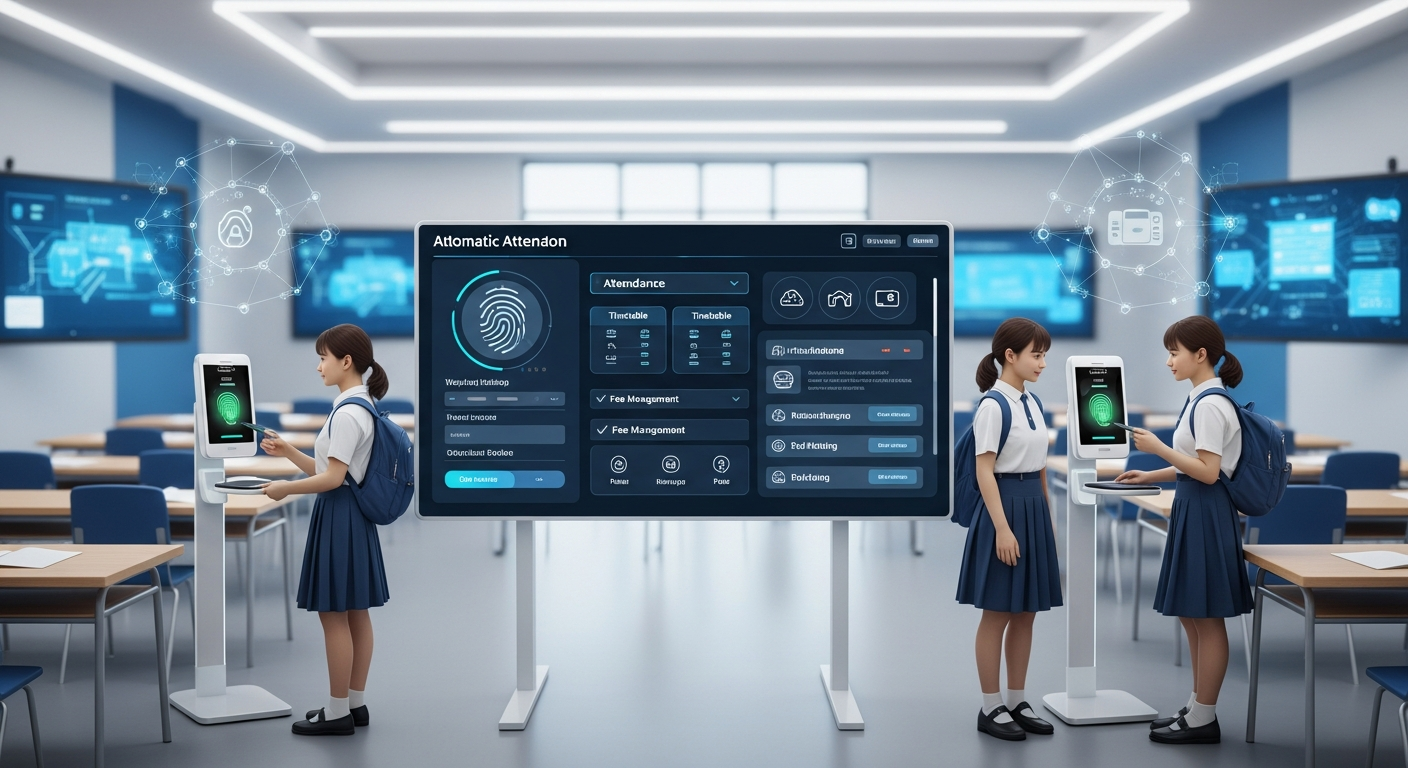
Attendance is one of many school automation tools. When you connect accurate attendance data to other systems, the benefits multiply.
For example, bus routing systems can confirm a student boarded a vehicle. Cafeteria systems can apply meal allowances only when students are present. Teachers get automatic seating charts and adjusted rosters. Counselors see patterns in attendance and decide whether to initiate outreach. All of that works best when the underlying attendance data is trustworthy.
Integration with student management software makes daily operations smoother. Transfers between modules are faster and errors drop. I’ve seen schools reduce duplicate entries by 90 percent after integrating biometrics with their SIS.
Addressing hygiene concerns
Many parents worry about students touching the same surface. It is a valid concern. There are three practical responses.
- Choose sensors that work through disposable protective films or with frequent wiping using approved disinfectants.
- Consider contactless options like facial recognition if your policies and budget allow it.
- Communicate your cleaning schedule and the sanitization products you use. Parents feel better when they know you are addressing hygiene intentionally.
In practice, routine cleaning and clear communication solve most concerns.
Cost considerations and building an ROI argument
Price is often the first question. Hardware and software costs vary by scale and features. Budget for hardware, installation, software licensing, integration work, and ongoing support.
To build an ROI case, start with measurable time savings. How many hours do office staff spend on attendance correction per week? Multiply that by salary. Add teacher minutes saved per day. Factor in reductions in absentee-related administrative work and potential improvements in funding accuracy due to cleaner records.
Many districts recoup investment through staff time savings and improved operational accuracy within two to four years. If you include indirect benefits like better student outcomes and reduced administrative overhead, the payback looks even better.
Case example: small district, big impact
Here is a short example I like to share. A small district with 2,500 students implemented fingerprint attendance at ten entry points across four schools. They started with a six-week pilot. After deployment, daily attendance entry time dropped by 70 percent and office errors decreased by 85 percent.
What mattered most was the integration. The biometric system fed the district’s student management software directly. Bus drivers started to use the same data for pickup verification. Parents received automated absence notifications the same day. The district used the improved data for targeted attendance interventions, which reduced chronic absenteeism in those pilot schools.
Simple, practical, measurable. That’s the combination decision makers want.
Decision framework: is biometric right for your school?
Ask yourself a few questions before you commit.
- Do we struggle with proxy attendance and inaccurate records?
- Can our network and IT team support a rollout?
- Are we willing to invest in training and change management?
- Do local regulations permit biometric data collection, and can we meet privacy requirements?
- Will integration with our student management software add clear value?
If you can answer yes to most of these, a biometric attendance system is worth exploring. If not, start with improvements in policy and manual processes, then revisit technology options when readiness increases.
Vendor questions to ask in procurement
When you talk to vendors, here are concrete questions that reveal capability and fit.
- How do you store biometric data? Do you store raw images or templates? Are they encrypted?
- Do you support integration with our student management software out of the box?
- What is your uptime SLA and how do you handle support requests?
- Can the system scale across multiple schools and districts?
- What training and documentation do you provide for staff?
- How do you handle privacy, consent, and data retention policies?
- Do you offer contactless options, and what are their costs?
Pro tip: Ask for a trial period and a list of current customers in schools similar to yours. Hearing from peers is the fastest way to validate claims.
After deployment: measuring success
Deployment is just the start. Track a few key metrics to demonstrate value and refine the system.
- Average time saved per day for attendance tasks.
- Reduction in attendance errors and corrections.
- Number of false positives and false rejects reported.
- Percentage of parents successfully receiving automated notifications.
- Impact on chronic absenteeism rates over a 6 to 12 month period.
Share results with stakeholders. Hard numbers and clear stories build continued support and budgets for expansion.
Also Read
- How Biometric Attendance Software Transforms School Operations
- Biometric vs Online Attendance Systems: Which Is Better for Education?
Final thoughts and practical advice
Biometric attendance software is not a silver bullet. It will not fix leadership problems, underfunding, or flawed attendance policies. What it will do is remove a lot of daily friction, improve data integrity, and free staff to focus on students.
Start small, plan carefully, and expect a few bumps. Train staff well. Keep parents informed. Test devices with the youngest and oldest users. Make sure the technology plays nicely with your student management software and other school automation tools.
In my experience, the schools that succeed are the ones that treat the project as both technical and human. They combine a pilot with strong communication and continuous improvement. They measure outcomes and use the data to drive better decisions.
Helpful Links & Next Steps
If you want to see how a modern biometric attendance system can fit into your school’s workflow, Book your free demo today: Book your free demo today.
Thanks for reading. If you have specific concerns about privacy, integration, or rollout logistics, I’d recommend starting with a short pilot and a handful of clear success metrics. That approach keeps risk low and gives you real evidence to guide district-wide decisions.
FAQs
1. What is biometric attendance software, and how does it work in schools?
Biometric attendance software uses unique biological traits such as fingerprints or facial recognition to record attendance accurately. In schools, it allows students and staff to check in or out quickly, automatically updates attendance records in the central system, and provides real-time dashboards for administrators. It eliminates manual errors and prevents proxy attendance.
2. How does biometric attendance improve school operations?
By automating attendance, schools save time, reduce paperwork, and improve accuracy. Teachers spend less time taking roll, administrators gain real-time visibility into attendance data, and parents receive instant notifications about absences. The system also enhances security by tracking who is in the building and when.
3. Are there privacy or data security risks with biometric attendance systems?
Privacy is a valid concern, but reputable biometric systems store encrypted templates, not actual fingerprint or facial images. This data cannot be reverse-engineered. Schools should ensure compliance with local data protection laws, obtain parental consent if required, and maintain transparency through clear privacy notices.
4. What should schools consider before choosing a biometric attendance system?
Schools should evaluate vendor compatibility with their student management software, ease of maintenance, deployment model (cloud vs. on-premise), scalability, and privacy compliance. It’s wise to start with a pilot program, involve all stakeholders, and plan training sessions for smooth adoption.