
Biometric vs Online Attendance Systems: Which Is Better for Education?
Attendance might sound basic, but it affects everything from funding and compliance to classroom engagement. I’ve worked with a few colleges and schools, and I’m always surprised by how often attendance systems get chosen on impulse or habit rather than fit. If you’re weighing a biometric attendance system against a cloud-based online attendance system, this guide will help you think through the tradeoffs and choose what really works for your institution.
I’ll cover the essentials, share real-world pitfalls, and give a simple checklist you can use to evaluate solutions like attendance management system online or school attendance software. Along the way I’ll reference practical things I’ve seen work and fail. If you’re responsible for student attendance tracking, or you advise decision-makers, read on. This should save you headaches and help you pick the right path for your campus.
Why attendance systems matter
Take a moment and imagine manual registers. They’re slow, error prone, and impossible to audit quickly. Attendance errors ripple out. They skew academic records, complicate funding and compliance, and reduce trust between faculty and administration. For larger institutions, manual systems become an administrative tax.
Modern solutions change that. A digital attendance system automates the routine, provides fast reports, and gives visibility across classes, departments, and terms. That matters whether you’re tracking attendance for compliance, learning analytics, or safety.
But not all digital systems are equal. You can opt for biometric attendance devices that scan fingerprints or faces, or choose an online attendance system that works via web, mobile, or LMS integration. Both count heads, but they do it differently, and those differences matter for schools and colleges.
Quick definitions
- Biometric attendance system - Uses physical traits such as fingerprints, palm prints, or facial recognition to mark who attended. It usually requires hardware installed on site.
- Online attendance system - Cloud-based or server-hosted software where students or teachers mark presence through a web portal, app, QR code, or integration with learning management systems.
- Attendance management system online - A generic term for any online solution that tracks attendance digitally and stores records in the cloud or on a private server.
How to think about this decision
Start by asking simple questions. What problem are you solving? Is it buddy punching, paperwork volume, or reporting delays? Who will use the system? Teachers, administrative staff, students, or IT? What constraints do you face? Budget, network capacity, data privacy rules, and physical layouts all matter.
I’ve seen schools buy biometric devices because they look “high tech” and then struggle with maintenance and privacy concerns. That’s avoidable if you match your goals to the right tool.
Biometric attendance systems: What they offer
Biometric systems have a clear appeal. They provide a physical check that is hard to fake. Fingerprint scanners or face recognition systems can almost eliminate buddy punching. For exam halls, labs, and secure facilities, biometrics give confidence that the person present is the person on record.
Here are the main advantages and things to watch for.
Advantages
- Low fraud risk. Since you use a physical trait, it’s much harder for students to mark each other present.
- Fast on-site check-in. A good biometric reader can process a scan in under a second, reducing queues at gates and classrooms.
- Simple for users. Students don’t need an app or password. They just scan and go.
Common pitfalls
- Hardware costs. Readers and installation can be expensive, especially if you need many entry points across a campus.
- Maintenance and downtime. Devices break or get dirty. If one reader goes down, you may disrupt an entire flow unless you have backup options.
- Privacy and consent. Collecting biometric data triggers strict legal and ethical requirements in many regions. You must store templates securely and manage consent carefully.
- Environmental limits. Wet fingers, gloves, or poor lighting can affect accuracy for fingerprints and face readers. That raises false negatives and extra work for staff.
- Scaling challenges. Adding locations means buying and configuring more units. That makes rapid rollout harder.
Online attendance systems: What they offer
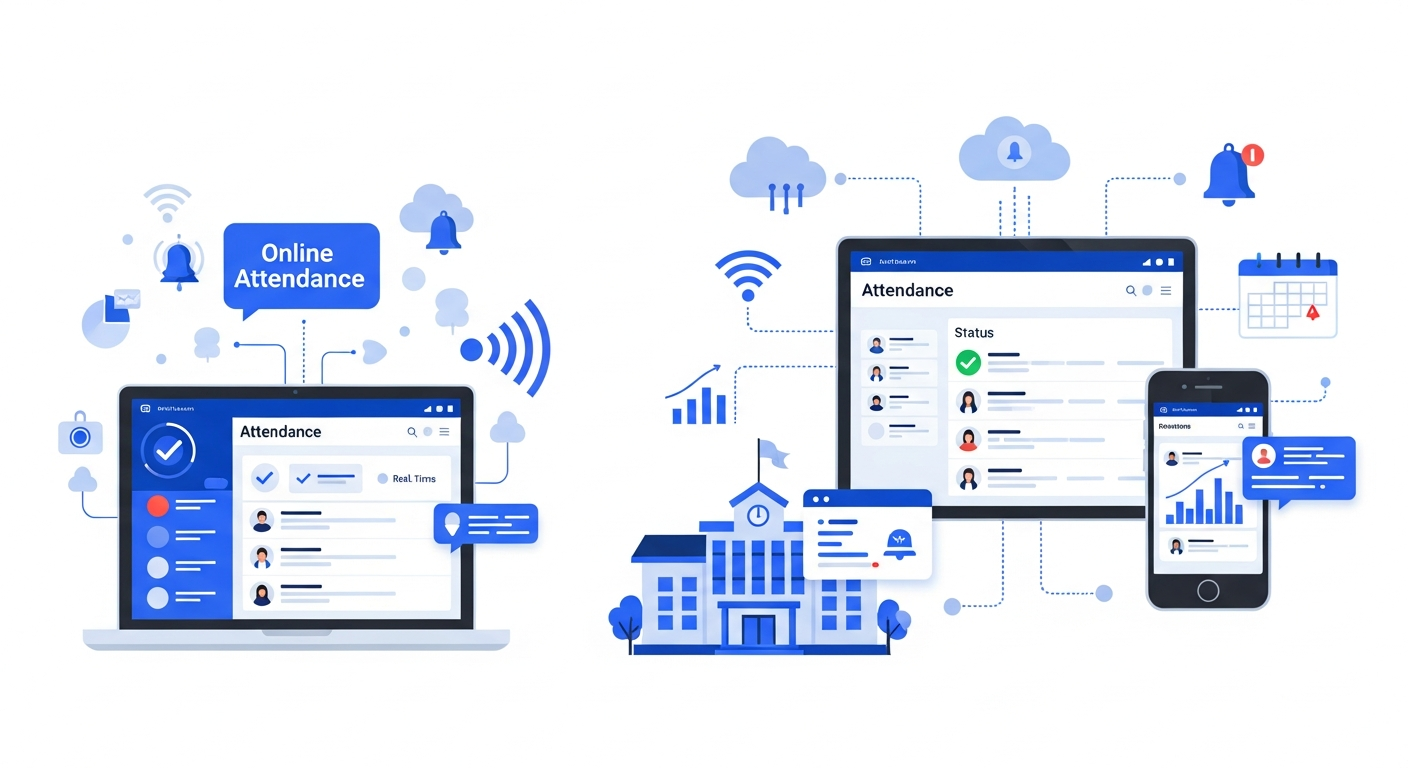
Online systems have evolved quickly. These days they include mobile apps, QR check-ins, GPS check-ins, integration with LMS tools, and automated reporting. They run in the cloud and you can tie them into class rosters, timetables, and assessment systems.
In my experience, online attendance systems make life easier for both administration and faculty. They are flexible and tend to adapt faster to changing needs.
Advantages
- Flexibility. Students can check in via app, QR code, or a click in the LMS during remote or blended classes.
- Low hardware requirements. No fingerprint readers to install. Most campuses already have Wi-Fi and student devices.
- Cloud-based reporting. You get automated reports, dashboards, and integrations with MIS and payroll systems.
- Quick deployment. You can pilot a class or department in days instead of months.
- Cost-effective. Lower upfront capital expense. Pricing models are often subscription-based, which helps budgeting.
Common pitfalls
- Buddy punching risk. If the system relies on student check-in without verification, students can ask friends to mark them present.
- Network dependency. Poor Wi-Fi or mobile coverage can cause failures during check-in times.
- Change management. Teachers and students need training and buy-in. If adoption is low, the data will be incomplete.
Spotlight: Hybrid approaches
Often the best results come from mixing methods. Use biometrics for secure labs and exam halls. Deploy an online attendance system for day-to-day classrooms and remote learning. A hybrid model gives you the accuracy you need in critical places while keeping deployment flexible elsewhere.
For example, a university might install fingerprint readers at the entry of laboratories and practical exam halls. The rest of the courses use a cloud-based attendance management system online that integrates with the LMS and student ID cards. This reduces hardware costs while maintaining integrity where it matters most.
Security and privacy: What to watch for
Security is not optional for attendance systems. Whether you collect biometrics or just names and timestamps, you must protect student data and comply with regulations. I’ve seen institutions mistakenly assume their vendors handle everything. That leads to surprises.
- Ensure data encryption both in transit and at rest. Ask for specifics, not marketing talk.
- For biometrics, verify how templates are stored. Don’t accept systems that store raw images when templates will do.
- Confirm role-based access controls. Who can view attendance records? Can a teacher see only their classes? Can administrators export campus-wide data?
- Get a clear data retention policy. How long will data be kept? How is deletion handled when a student graduates?
- Document consent processes. If local rules require explicit consent for biometrics, plan communications and opt-out procedures now.
Privacy isn’t just legal risk. It affects trust. If students or parents are uncomfortable, you’ll see resistance and lower adoption. Address concerns early, with clear, plain-language policies.
Cost and return on investment
Cost often determines the path. Biometric systems have higher upfront costs because of hardware and installation. They also come with recurring maintenance, calibration, and potential replacement costs. Online attendance systems usually charge per user or per campus as a subscription. That spreads cost over time and makes budgets predictable.
Think in terms of total cost of ownership. Include hardware, software licenses, integration, staff training, support contracts, and downtime impact. Compare that to the benefits: time saved for staff, reduced fraud, faster reporting, and better student support because you can act quickly on patterns.
Here’s a simple way to think about ROI. Estimate how many staff hours are used weekly on attendance tasks. Multiply by hourly rates. Add error handling time, compliance fines, or lost funding from inaccurate records if relevant. Many institutions find that a cloud-based attendance automation for education pays for itself in less than a year, especially when integrated with timetables and the student information system.
Integration: The make-or-break factor
Integration matters more than you think. An attendance tool that talks to your student information system and LMS saves manual sync work and avoids duplicates. I’ve watched teams abandon otherwise capable systems because rosters had to be updated manually every semester. That kills adoption.
Ask vendors these direct questions:
- Can you integrate with our SIS, LMS, and payroll systems? Which ones have you integrated with before?
- How do you handle timetable changes and course cross-listing?
- Is there an API for custom integrations? What documentation and support do you provide?
- How are user roles and permissions synchronized?
Small integration problems become big operational headaches. Get this right during procurement, not after deployment.
Implementation checklist
Here’s a practical rollout checklist I use when advising institutions. It keeps things simple and covers common traps.
- Define objectives. What problem are you solving: fraud, reporting speed, compliance, pedagogy, or all of these?
- Pick pilot sites. Start small with 1-2 departments or a block of classes to test workflows.
- Check infrastructure. Confirm Wi-Fi, network segmentation, and power requirements if using hardware.
- Integration plan. Map data flows between the attendance system, SIS, LMS, and HR systems.
- Privacy and consent. Draft policies and communication plans. For biometrics, get legal sign-off where required.
- Training and documentation. Make short, role-specific guides for teachers, students, and admin staff.
- Monitoring and metrics. Decide on success metrics such as adoption rate, time saved, or reduction in fraud.
- Iterate. Use pilot feedback to tweak rules, timeslots, and user experience before campus-wide rollout.
Common mistakes to avoid
Here are pitfalls I see most often.
- Choosing tech first. Don’t pick hardware because it looks impressive. Pick a solution based on workflows and goals.
- Underestimating change management. People resist unless they see benefits. Train early and keep it simple.
- Ignoring privacy rules. Laws vary by region. Treat biometric data as sensitive by default.
- Poor pilot design. Pilots that try to be perfect fail. Test basic workflows first, then expand.
- Not planning for exceptions. What happens when a device fails or a student loses their phone? Define backup processes.
Use cases and quick examples
Real examples help. Here are three short, practical scenarios and how systems fit.
- Large lecture halls. If you need reliable, fast check-ins for 200 students every hour, QR codes tied to a cloud system work well. Students scan at the door. The system flags unusual patterns and integrates with the LMS for participation credit.
- Practical labs. For chemistry or medical labs where access control matters, a biometric attendance system provides extra security. Pair it with student profiles and certification checks so only authorized students are allowed in.
- Remote and blended courses. Online attendance via the LMS is the obvious choice. Use timed check-ins, webcam snapshot verification for exams, or activity logs to track participation.
Decision framework: Which should you choose?
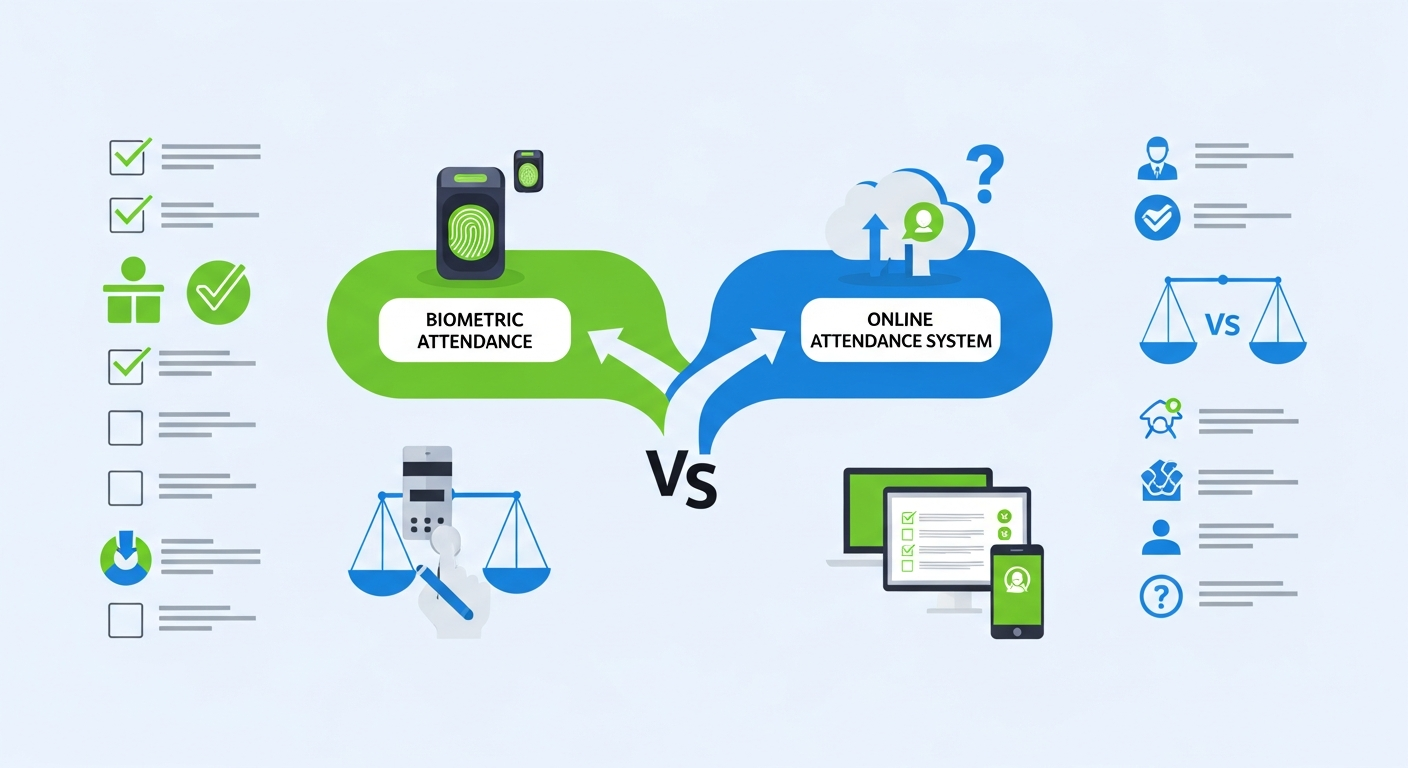
Here’s a simple decision map, adapted from things I’ve seen work on campuses.
- Choose a biometric attendance system if you need high assurance of identity, have the budget for hardware, and can manage privacy obligations.
- Choose an online attendance system if you need flexibility, quick rollout, lower upfront cost, and integration with LMS and cloud tools.
- Choose a hybrid approach if you have mixed needs across campus and want to balance cost and security.
One more tip. Don’t obsess over perfect accuracy. Focus on usable data that helps teachers and administrators act. If attendance data is hard to access or unreliable, people stop using it. That defeats the purpose.
Measuring success
After rollout, measure what matters. Adoption rate is a clear leading indicator. If teachers or students don’t use the system, it will fail regardless of features. Track these metrics:
- Adoption rate by department
- Time saved per class or per admin task
- Number of disputed attendance incidents
- Speed of reporting for compliance audits
- Changes in student absenteeism patterns over time
Use small targets at first. Aim for 70 to 80 percent adoption in pilot areas before full rollout. That gives you enough momentum while leaving room for improvement.
Questions to ask vendors
When you talk to vendors, don’t let demos sway you without specifics. Ask for these concrete answers:
- How do you store and encrypt data? Can you show compliance documentation?
- What integrations are ready out of the box? What costs apply for custom integration?
- How do you handle offline mode for check-ins when internet is down?
- What are your SLAs for uptime and support response?
- Can we run a limited pilot and export our data at any time?
- How do you prevent buddy punching if using online check-ins?
Real answers take the form of case studies, logs, and references. If a vendor dodges or uses vague language, that’s a red flag.
Final recommendation
If you want my blunt take: start with a cloud-based attendance management system online, especially if your campus runs many different course formats and needs quick wins. You’ll get instant reporting and easier integration. If your campus has high-security zones or exam halls, add biometric devices only for those specific locations.
That approach keeps costs manageable, minimizes deployment risk, and lets you build trust with teachers and students. You can always add more devices later as needs become clearer.
In my experience, the projects that succeed are those that treat attendance as an administrative tool and a learning signal. Use your attendance data to support students early when patterns show disengagement. That is often the real value, not just the perfect check-in.
Also Read
- How SmartClass Solutions Improve Student Engagement Through Interactive Learning
- Why Schezy Is Becoming the Most Trusted Smart Classroom Solution for Schools in 2025
Helpful links and next steps
- Schezy - Explore attendance automation for education and learn about implementations.
- Schezy Blog - Articles and case studies on digital attendance system best practices.
If you want to see how an attendance management system online looks in action, Book your free demo today. The demo will show integrations, reports, and options for biometric and online workflows so you can pick what fits your campus. Schedule here: Book your free demo today.
Quick FAQ
Is biometric data safe to store?
When handled properly, yes. Use templates not raw images, encrypt everything, and follow local laws. Get legal sign-off if required.
Will online systems work with limited internet?
Good systems offer offline modes that cache attendance and sync later. Test this during pilot.
How long does deployment take?
A cloud-based pilot can start in a few days to weeks. Biometric hardware deployment often takes months depending on the number of devices and installations.
Which is cheaper long term?
Typically online systems have lower upfront cost and predictable subscriptions. Biometrics can cost more up front but may be necessary for specific security needs.
Parting thought
Attendance systems are not just about logs. They are one of the simplest signals of student engagement. Choose a system that fits your workflows, respects privacy, and integrates with your other systems. Start small, measure adoption, and scale what works.
If you want help mapping your requirements or running a pilot, Schezy offers demos and consulting to fit your needs. Book your free demo today and see how the right mix of biometric and online tools can make attendance one less thing to worry about.